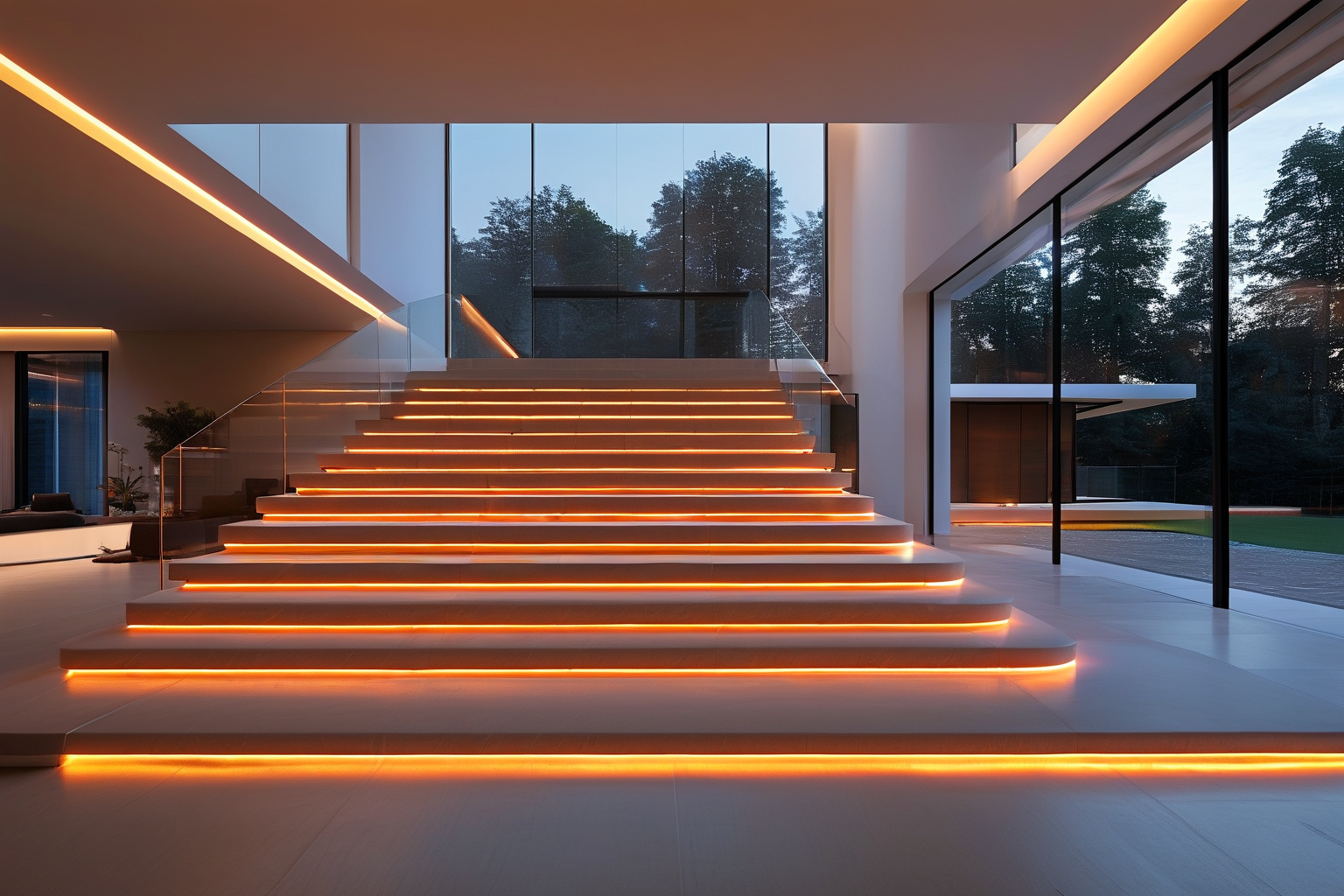
Why Motion Activated LED Strips for Stairs Are a Must-Have Upgrade
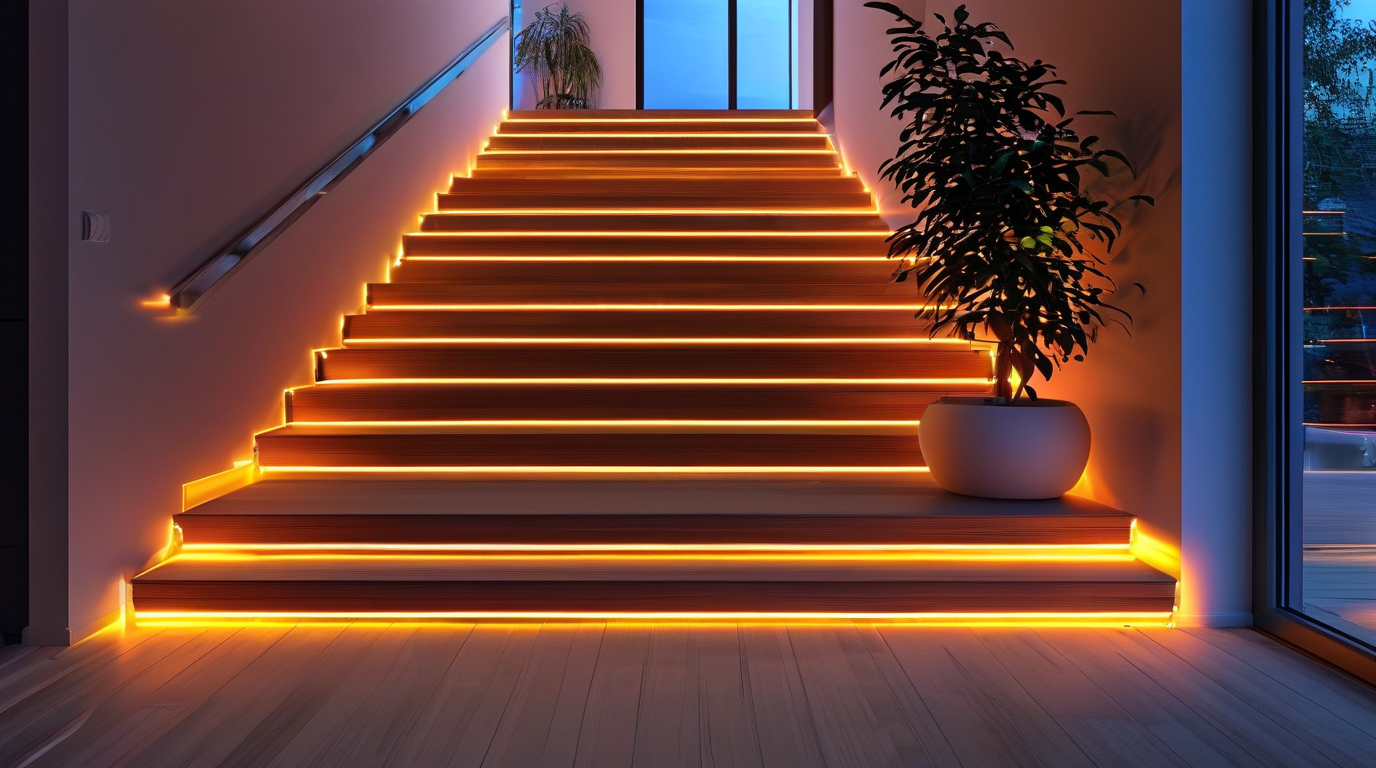
Upgrading your stairway with motion activated LED strips for stairs is one of the smartest improvements you can make to a home or commercial space. Unlike outdated fixtures that stay on all night or require a manual switch, these smart LED strip lights for stairs respond instantly to movement and turn off automatically when no one is around. The result is a safer, more efficient, and visually striking staircase that requires almost no daily effort to operate. Below are the five key reasons this upgrade pays for itself in comfort, safety, and long-term value.
Safety First: Light Exactly When You Need It
Stairs are one of the most common locations for nighttime falls and injuries. A dark step, a loose rug, or simply misjudging a tread can lead to serious accidents. Motion activated LED strips for stairs solve this problem by illuminating the full run of steps the moment someone approaches. The instant brightness highlights every riser and edge, making it easier for children, elderly family members, guests, and employees to navigate safely after dark. Because the lights are installed along the tread, riser, or wall base, they cast a low, even glow precisely where feet land, eliminating harsh shadows caused by overhead lighting.
Energy Savings That Add Up
Traditional stair lights are often left on for hours at a time, wasting electricity and shortening bulb life. In contrast, LED strip lights for stairs with motion sensors only draw power when the sensor detects movement. Most models use low-voltage LEDs that consume a fraction of the energy of incandescent or halogen bulbs, and the automatic shut-off means you will never pay to light an empty staircase. Over months and years, the reduction in energy use and replacement costs can make these kits one of the most cost-effective lighting upgrades in a home or building.
Ambiance and Aesthetic Appeal
Beyond the practical benefits, motion activated LED strips for stairs create a modern, high-end look. The soft linear glow can be tucked under the nosing of each tread, recessed into the wall, or run along the base of the handrail for a clean, architectural effect. Many systems offer adjustable color temperatures or RGB color options, so you can choose warm white for a cozy residential feel, cool white for a contemporary commercial space, or even color-changing modes for special events. The lighting becomes a design feature, not just a utility.
Hands-Free Convenience for Every User
One of the biggest advantages of motion-activated stair lighting is that it removes the need to fumble for a switch in the dark. This is especially useful when carrying laundry, groceries, luggage, or a sleeping child. The sensor handles the work for you, turning the lights on before you reach the first step and off after you have reached the landing. Typical benefits include:
- No wall switches needed, keeping walls clean and installation simple
- Automatic operation for family members, guests, and visitors with mobility challenges
- Adjustable timer and sensitivity settings to match foot traffic and room layout
- Silent activation that will not disturb sleeping household members
- Seamless integration with smart home systems and voice assistants in many kits
Boost Property Value and Market Appeal
Prospective buyers and commercial tenants notice thoughtful details, and a well-lit staircase is a strong selling point. Installing motion activated LED strips for stairs signals that the property is modern, safe, and energy-conscious. It also suggests the owner has invested in smart home technology and low-maintenance upgrades. For interior designers, this feature helps set a listing apart in photos and during walkthroughs, adding perceived value without the cost of a major renovation.
Motion Activated LED Strips vs. Traditional Stair Lighting
| Característica | Motion Activated LED Strips for Stairs | Traditional Stair Lighting |
|---|---|---|
| Activation | Automatic, sensor-triggered | Manual wall switch or always on |
| Consumo de energía | Very low; only on when needed | Higher; often left on continuously |
| Instalación | Peel-and-stick or low-profile channel | Recessed fixtures, junction boxes, wiring |
| Seguridad | Illuminates every step before foot placement | Shadowed areas or uneven light distribution |
| Mantenimiento | Long LED lifespan, minimal bulb changes | More frequent bulb and ballast replacements |
| Ambiente | Linear, modern, customizable color | Fixed fixtures, limited visual effect |
Whether you are remodeling a single staircase or lighting an entire commercial building, motion activated LED strips for stairs cURL Too many subrequests by single Worker invocation. To configure this limit, refer to https://developers.cloudflare.com/workers/wrangler/configuration/#limits
cURL Too many subrequests by single Worker invocation. To configure this limit, refer to https://developers.cloudflare.com/workers/wrangler/configuration/#limits
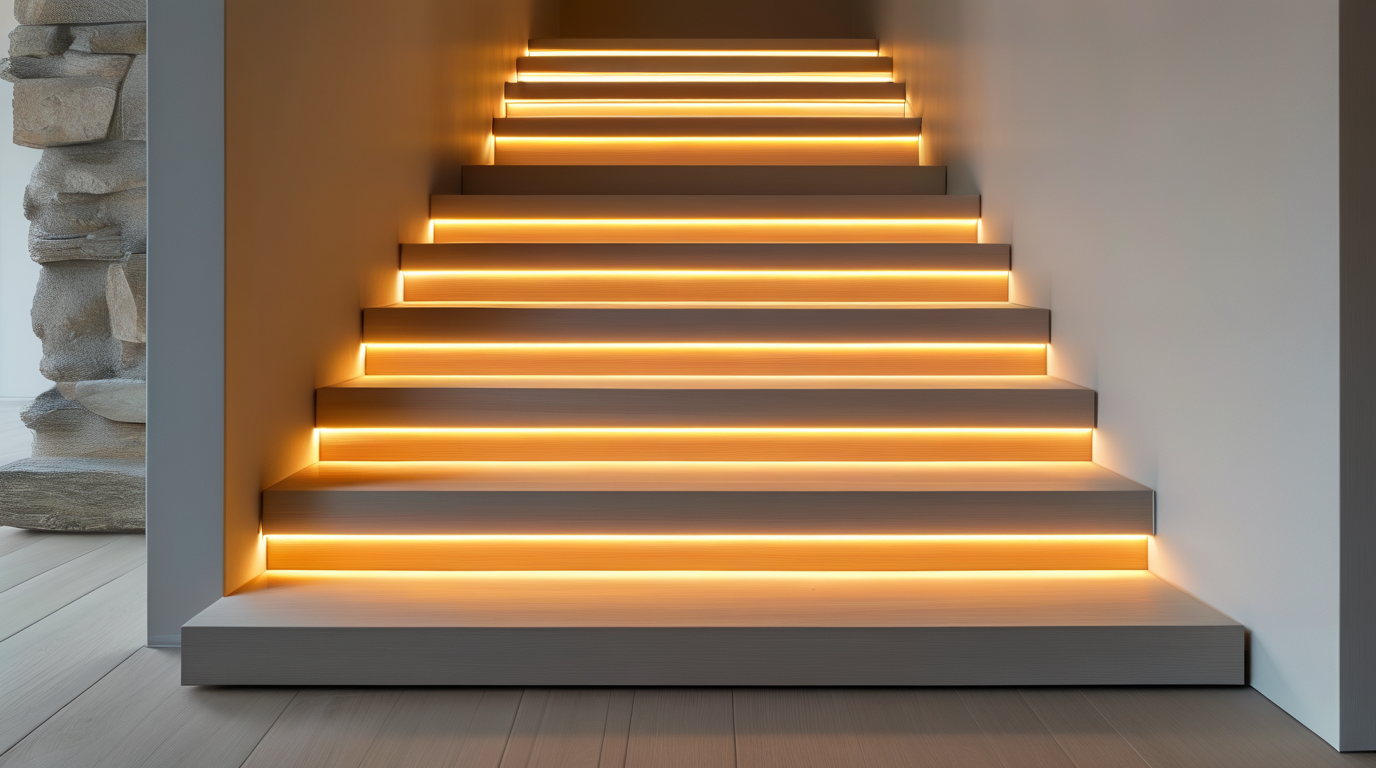
cURL Too many subrequests by single Worker invocation. To configure this limit, refer to https://developers.cloudflare.com/workers/wrangler/configuration/#limits cURL Too many subrequests by single Worker invocation. To configure this limit, refer to https://developers.cloudflare.com/workers/wrangler/configuration/#limitscURL Too many subrequests by single Worker invocation. To configure this limit, refer to https://developers.cloudflare.com/workers/wrangler/configuration/#limits
cURL Too many subrequests by single Worker invocation. To configure this limit, refer to https://developers.cloudflare.com/workers/wrangler/configuration/#limits
cURL Too many subrequests by single Worker invocation. To configure this limit, refer to https://developers.cloudflare.com/workers/wrangler/configuration/#limits
cURL Too many subrequests by single Worker invocation. To configure this limit, refer to https://developers.cloudflare.com/workers/wrangler/configuration/#limits
cURL Too many subrequests by single Worker invocation. To configure this limit, refer to https://developers.cloudflare.com/workers/wrangler/configuration/#limits
cURL Too many subrequests by single Worker invocation. To configure this limit, refer to https://developers.cloudflare.com/workers/wrangler/configuration/#limits cURL Too many subrequests by single Worker invocation. To configure this limit, refer to https://developers.cloudflare.com/workers/wrangler/configuration/#limits cURL Too many subrequests by single Worker invocation. To configure this limit, refer to https://developers.cloudflare.com/workers/wrangler/configuration/#limits
cURL Too many subrequests by single Worker invocation. To configure this limit, refer to https://developers.cloudflare.com/workers/wrangler/configuration/#limits
- cURL Too many subrequests by single Worker invocation. To configure this limit, refer to https://developers.cloudflare.com/workers/wrangler/configuration/#limits cURL Too many subrequests by single Worker invocation. To configure this limit, refer to https://developers.cloudflare.com/workers/wrangler/configuration/#limits
- cURL Too many subrequests by single Worker invocation. To configure this limit, refer to https://developers.cloudflare.com/workers/wrangler/configuration/#limits cURL Too many subrequests by single Worker invocation. To configure this limit, refer to https://developers.cloudflare.com/workers/wrangler/configuration/#limits
- cURL Too many subrequests by single Worker invocation. To configure this limit, refer to https://developers.cloudflare.com/workers/wrangler/configuration/#limits cURL Too many subrequests by single Worker invocation. To configure this limit, refer to https://developers.cloudflare.com/workers/wrangler/configuration/#limits
- cURL Too many subrequests by single Worker invocation. To configure this limit, refer to https://developers.cloudflare.com/workers/wrangler/configuration/#limits cURL Too many subrequests by single Worker invocation. To configure this limit, refer to https://developers.cloudflare.com/workers/wrangler/configuration/#limits
cURL Too many subrequests by single Worker invocation. To configure this limit, refer to https://developers.cloudflare.com/workers/wrangler/configuration/#limits
cURL Too many subrequests by single Worker invocation. To configure this limit, refer to https://developers.cloudflare.com/workers/wrangler/configuration/#limits
- Power supply (12 V or 24 V DC) → controller input.
- PIR/microwave sensor 1 trigger wire → controller signal input.
- PIR/microwave sensor 2 trigger wire → same controller signal input.
- Controller output → LED strip positive and negative.
- Shared ground (DC negative) between sensors, controller, and power supply.
If you are using smart controllers that accept only one trigger input, add a small diode or a relay module to isolate the two sensor outputs. This prevents one sensor from back-feeding the other while still allowing either one to start the lighting sequence. For long cable runs, use 18 AWG or 20 AWG low-voltage wire and keep sensor leads under 50 feet when possible to avoid voltage drop.
Single vs. Dual Sensor Setup Comparison
| Característica | Single Sensor | Dual Sensors |
|---|---|---|
| Coverage length | Best for short runs of 8–10 steps | Ideal for long runs, switchbacks, and open stairs |
| Trigger timing | Lights turn on only after the first sensor sees you | Lights turn on before the first step, from either end |
| Mid-stair darkness | Likely if detection cone is blocked | Almost eliminated by overlapping cones |
| Sensor overlap | Ninguno | Designed middle-third overlap zone |
| Wiring complexity | Simple, one trigger input | Moderate; may need diode/relay isolation |
| Component cost | Más bajo | Moderate; adds one sensor and longer cable |
| Best sensor type | PIR for small enclosed stairs | PIR or microwave; microwave preferred for open stairs |
Installation Tips for Best Results
- Always test in the dark with the timeout set to its shortest value. If the lights stay on during a full walk, the overlap is good.
- Point sensors slightly away from walls and handrails so pets or reflected heat do not cause false triggers.
- Choose the same sensor type for both ends so trigger behavior and detection delays match.
- Label the wires at the controller so future maintenance is easy.
- Consider adding a manual override switch in parallel if the sensors need to be disabled for cleaning or photography.
A dual-sensor setup is one of the most reliable ways to make your cURL Too many subrequests by single Worker invocation. To configure this limit, refer to https://developers.cloudflare.com/workers/wrangler/configuration/#limits feel truly responsive. Whether you are navigating a long straight staircase or a dramatic two-story split stair, sensors at both the top and bottom landings ensure every step is lit before you take it and stays lit until you reach the next floor.
Smart Home Integration: Voice and App Control
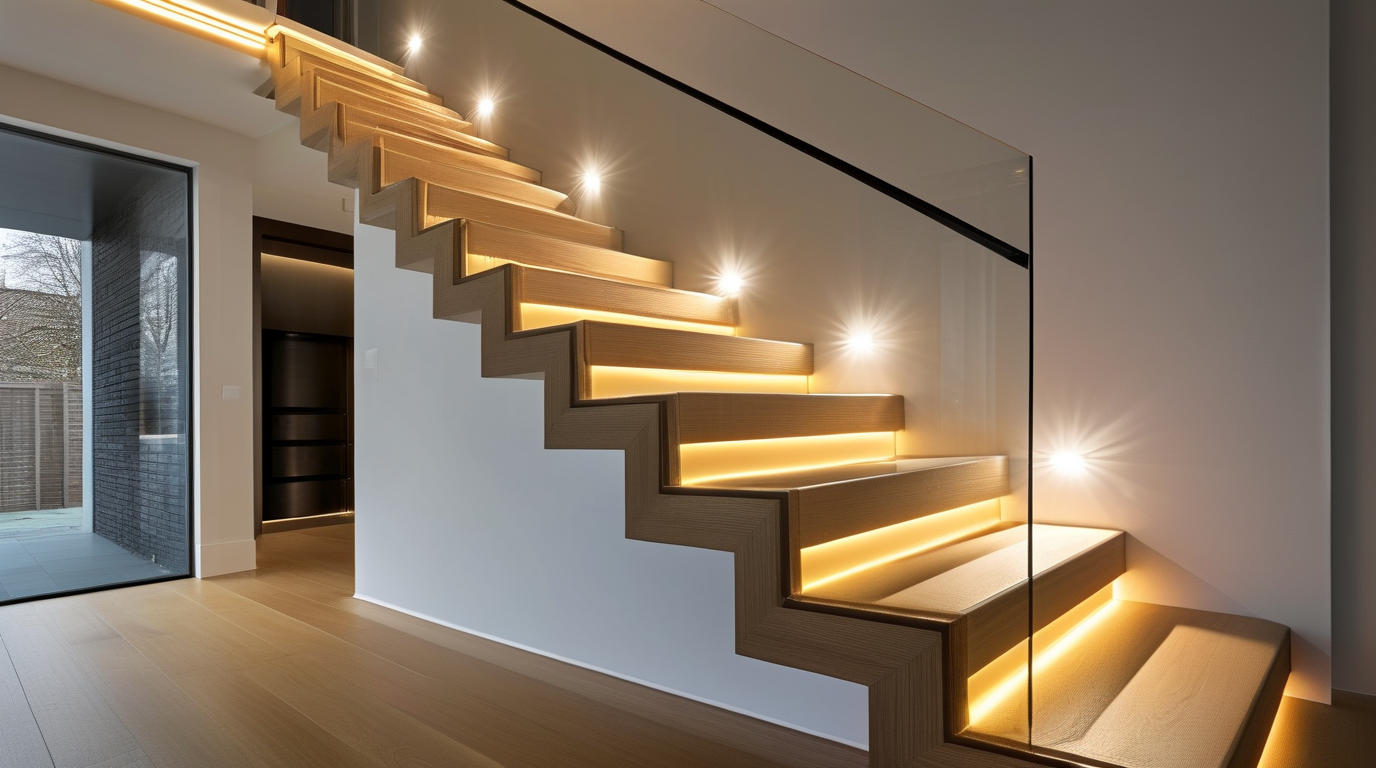
Adding smart home control to your motion activated LED strips for stairs cURL Too many subrequests by single Worker invocation. To configure this limit, refer to https://developers.cloudflare.com/workers/wrangler/configuration/#limits
cURL Too many subrequests by single Worker invocation. To configure this limit, refer to https://developers.cloudflare.com/workers/wrangler/configuration/#limits
cURL Too many subrequests by single Worker invocation. To configure this limit, refer to https://developers.cloudflare.com/workers/wrangler/configuration/#limits
cURL Too many subrequests by single Worker invocation. To configure this limit, refer to https://developers.cloudflare.com/workers/wrangler/configuration/#limits
- cURL Too many subrequests by single Worker invocation. To configure this limit, refer to https://developers.cloudflare.com/workers/wrangler/configuration/#limits
- cURL Too many subrequests by single Worker invocation. To configure this limit, refer to https://developers.cloudflare.com/workers/wrangler/configuration/#limits motion activated LED strips for stairs cURL Too many subrequests by single Worker invocation. To configure this limit, refer to https://developers.cloudflare.com/workers/wrangler/configuration/#limits cURL Too many subrequests by single Worker invocation. To configure this limit, refer to https://developers.cloudflare.com/workers/wrangler/configuration/#limits.
- cURL Too many subrequests by single Worker invocation. To configure this limit, refer to https://developers.cloudflare.com/workers/wrangler/configuration/#limits
- cURL Too many subrequests by single Worker invocation. To configure this limit, refer to https://developers.cloudflare.com/workers/wrangler/configuration/#limits
- cURL Too many subrequests by single Worker invocation. To configure this limit, refer to https://developers.cloudflare.com/workers/wrangler/configuration/#limits
cURL Too many subrequests by single Worker invocation. To configure this limit, refer to https://developers.cloudflare.com/workers/wrangler/configuration/#limits
- cURL Too many subrequests by single Worker invocation. To configure this limit, refer to https://developers.cloudflare.com/workers/wrangler/configuration/#limits
- cURL Too many subrequests by single Worker invocation. To configure this limit, refer to https://developers.cloudflare.com/workers/wrangler/configuration/#limits
- cURL Too many subrequests by single Worker invocation. To configure this limit, refer to https://developers.cloudflare.com/workers/wrangler/configuration/#limits
- cURL Too many subrequests by single Worker invocation. To configure this limit, refer to https://developers.cloudflare.com/workers/wrangler/configuration/#limits
cURL Too many subrequests by single Worker invocation. To configure this limit, refer to https://developers.cloudflare.com/workers/wrangler/configuration/#limits
- cURL Too many subrequests by single Worker invocation. To configure this limit, refer to https://developers.cloudflare.com/workers/wrangler/configuration/#limits
- cURL Too many subrequests by single Worker invocation. To configure this limit, refer to https://developers.cloudflare.com/workers/wrangler/configuration/#limits
- cURL Too many subrequests by single Worker invocation. To configure this limit, refer to https://developers.cloudflare.com/workers/wrangler/configuration/#limits
- cURL Too many subrequests by single Worker invocation. To configure this limit, refer to https://developers.cloudflare.com/workers/wrangler/configuration/#limits
cURL Too many subrequests by single Worker invocation. To configure this limit, refer to https://developers.cloudflare.com/workers/wrangler/configuration/#limits
- Many affordable motion activated LED strips for stairs are built on Tuya’s platform and controlled by the Smart Life app.
- Connect the controller to a 2.4 GHz Wi-Fi network and name the device in the app.
- From the app you can set timers, countdowns, schedules, and local sunrise/sunset triggers.
- Smart Life integrates with Alexa and Google Assistant, so you can add voice control after the device is online.
App-Based Automation Features
Scheduling
Set your motion activated LED strips for stairs to turn on only during evening hours or disable the motion sensor entirely after bedtime. Most apps let you create weekly schedules with different brightness levels for weekdays and weekends.
Geofencing
Geofencing uses your phone’s GPS to trigger lights when you arrive home or leave. Apple HomeKit, Smart Life, Alexa, and Google Home all support location-based automations, so the stair lights can welcome you back or turn off automatically when the house is empty.
Dimming and Brightness Control
Dimming is important for stair safety at night. A bright 100% output may be blinding at 2 a.m., but a 10% warm glow is enough to prevent trips. Use app sliders, voice commands, or routines to set the right level for each time of day.
Scene Modes
Scenes group multiple settings together. Create a “Movie Night” scene that dims the stair lights to a soft blue, a “Party” scene with color-changing effects, or a “Good Morning” scene that slowly brightens the staircase. Some apps include built-in scene modes like “reading,” “romantic,” or “sleep.”
Smart Platform Comparison
| Platform | Required Hardware / App | Connection | Voice Control | Scheduling & Geofencing |
|---|---|---|---|---|
| Amazon Alexa | Echo device or Alexa app; Alexa-compatible LED controller | Wi-Fi, Zigbee, or Bluetooth via Echo hub | Yes, full voice control | Routines with time, sensor, and location triggers |
| Google Home | Google Nest/Home device or Google Home app | Wi-Fi or Bluetooth | Yes, Google Assistant | Household Routines and sunrise/sunset triggers |
| Apple HomeKit | iPhone/iPad/Mac; HomeKit-certified strip or Homebridge | Wi-Fi, Thread, or Zigbee via HomeKit hub | Yes, Siri | Advanced geofencing and time-based automations |
| Tuya / Smart Life | Smart Life app; Tuya-compatible LED controller | cURL Too many subrequests by single Worker invocation. To configure this limit, refer to https://developers.cloudflare.com/workers/wrangler/configuration/#limits | cURL Too many subrequests by single Worker invocation. To configure this limit, refer to https://developers.cloudflare.com/workers/wrangler/configuration/#limits | cURL Too many subrequests by single Worker invocation. To configure this limit, refer to https://developers.cloudflare.com/workers/wrangler/configuration/#limits |
| cURL Too many subrequests by single Worker invocation. To configure this limit, refer to https://developers.cloudflare.com/workers/wrangler/configuration/#limits | cURL Too many subrequests by single Worker invocation. To configure this limit, refer to https://developers.cloudflare.com/workers/wrangler/configuration/#limits | cURL Too many subrequests by single Worker invocation. To configure this limit, refer to https://developers.cloudflare.com/workers/wrangler/configuration/#limits | cURL Too many subrequests by single Worker invocation. To configure this limit, refer to https://developers.cloudflare.com/workers/wrangler/configuration/#limits | cURL Too many subrequests by single Worker invocation. To configure this limit, refer to https://developers.cloudflare.com/workers/wrangler/configuration/#limits |
cURL Too many subrequests by single Worker invocation. To configure this limit, refer to https://developers.cloudflare.com/workers/wrangler/configuration/#limits
- cURL Too many subrequests by single Worker invocation. To configure this limit, refer to https://developers.cloudflare.com/workers/wrangler/configuration/#limits
- cURL Too many subrequests by single Worker invocation. To configure this limit, refer to https://developers.cloudflare.com/workers/wrangler/configuration/#limits
- cURL Too many subrequests by single Worker invocation. To configure this limit, refer to https://developers.cloudflare.com/workers/wrangler/configuration/#limits motion activated LED strips for stairs cURL Too many subrequests by single Worker invocation. To configure this limit, refer to https://developers.cloudflare.com/workers/wrangler/configuration/#limits
- cURL Too many subrequests by single Worker invocation. To configure this limit, refer to https://developers.cloudflare.com/workers/wrangler/configuration/#limits
- cURL Too many subrequests by single Worker invocation. To configure this limit, refer to https://developers.cloudflare.com/workers/wrangler/configuration/#limits
cURL Too many subrequests by single Worker invocation. To configure this limit, refer to https://developers.cloudflare.com/workers/wrangler/configuration/#limits
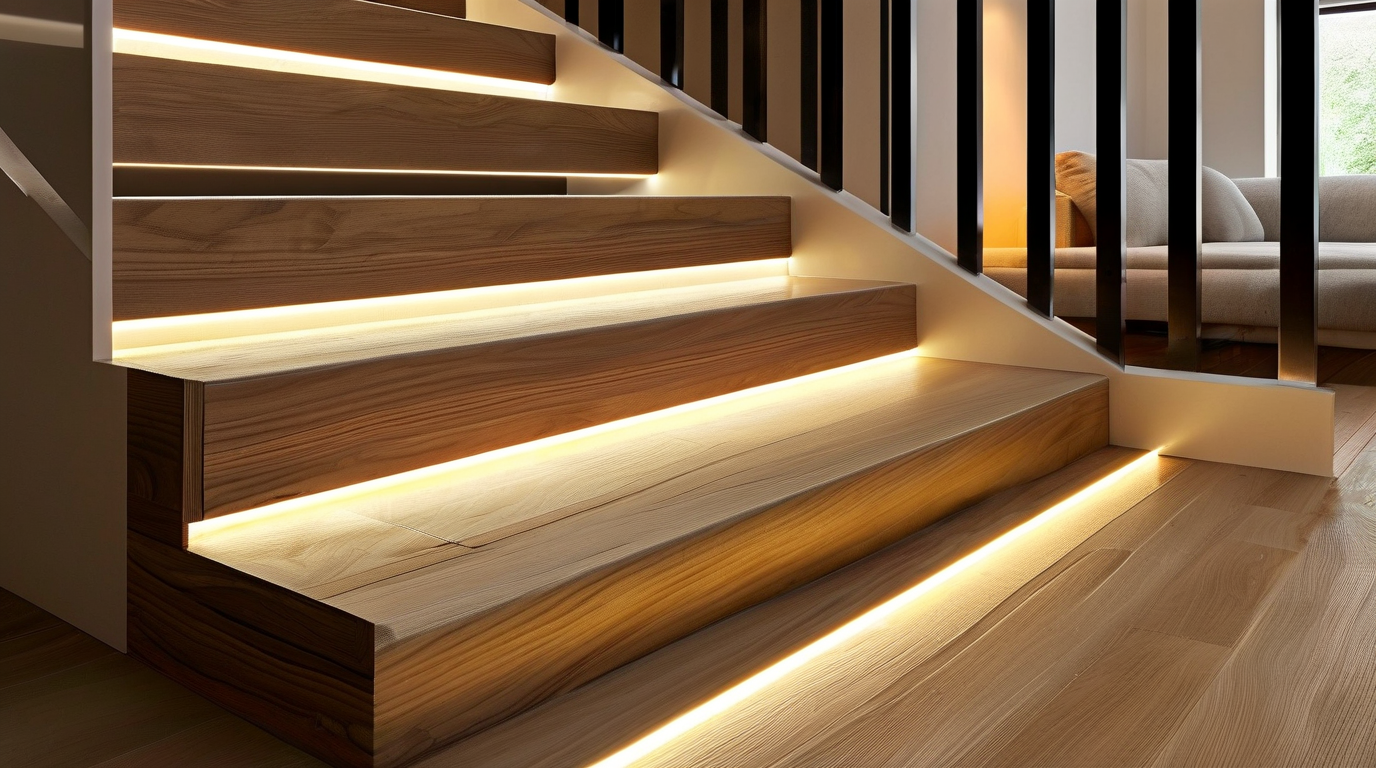
cURL Too many subrequests by single Worker invocation. To configure this limit, refer to https://developers.cloudflare.com/workers/wrangler/configuration/#limits cURL Too many subrequests by single Worker invocation. To configure this limit, refer to https://developers.cloudflare.com/workers/wrangler/configuration/#limits cURL Too many subrequests by single Worker invocation. To configure this limit, refer to https://developers.cloudflare.com/workers/wrangler/configuration/#limits
cURL Too many subrequests by single Worker invocation. To configure this limit, refer to https://developers.cloudflare.com/workers/wrangler/configuration/#limits
cURL Too many subrequests by single Worker invocation. To configure this limit, refer to https://developers.cloudflare.com/workers/wrangler/configuration/#limits
| Característica | cURL Too many subrequests by single Worker invocation. To configure this limit, refer to https://developers.cloudflare.com/workers/wrangler/configuration/#limits | cURL Too many subrequests by single Worker invocation. To configure this limit, refer to https://developers.cloudflare.com/workers/wrangler/configuration/#limits | Con cable |
|---|---|---|---|
| Upfront cost | $15 – $50 | $25 – $80 | $50 – $200+ |
| Installation difficulty | Easy (peel-and-stick, no tools) | Moderate (routing cable, hiding adapter) | Hard (electrical work, switch integration) |
| Mantenimiento | High—batteries need replacing every 1–6 months | Low—occasional dusting and outlet check | Very low—long-lasting drivers and LEDs |
| Brillo | Moderate, often dimmer as batteries drain | Consistent and bright | Most consistent and customizable |
| Longevidad | 2–3 years, limited by battery contacts and motion sensor life | 3–5 years, depends on adapter quality | 5–10+ years with quality LEDs and driver |
| Mejor para | Renters, temporary installs, tight budgets | Homeowners wanting easy, reliable stair lighting | Permanent remodels and premium finishes |
Battery-Powered Motion Activated LED Strips
Battery-powered motion activated LED strips are the easiest entry point. Most kits come with adhesive backing, a compact PIR sensor, and a battery box that hides under the stair tread or behind a railing. They turn on only when movement is detected, which helps preserve battery life.
Ventajas: no wiring, portable, low upfront cost, great for apartments or rental properties.
Contras: battery replacement can become a chore, brightness drops as charge depletes, and battery compartments can be bulky on narrow staircases.
For best results, look for rechargeable battery models or strips that use AA or AAA lithium batteries rather than alkaline, since lithium holds voltage longer and performs better in temperature swings.
Plug-In Motion Activated LED Strips
Plug-in systems bridge the gap between convenience and performance. You get a power adapter that plugs into a wall outlet, and the strip runs continuously with the motion sensor controlling when it lights up. These are a popular choice for homeowners who want bright LED strips for stairs without opening walls.
Ventajas: consistent brightness, no battery swaps, easy to relocate, affordable.
Contras: visible power cord unless carefully routed, limited by outlet location, may need cable management.
If your stairs are near an outlet, a plug-in kit can deliver years of reliable light with minimal upkeep.
Hardwired Motion Activated LED Strips
Hardwired stair lighting connects directly to your home’s electrical system, often controlled by a wall switch or integrated with a smart home hub. This is the best route for a permanent, professional finish and is commonly used in new builds or full staircase renovations.
Ventajas: cleanest look, highest brightness, longest lifespan, no battery or adapter clutter, works with dimmers and smart controls.
Contras: requires electrical knowledge or an electrician, higher upfront cost, not easily moved.
cURL Too many subrequests by single Worker invocation. To configure this limit, refer to https://developers.cloudflare.com/workers/wrangler/configuration/#limits cURL Too many subrequests by single Worker invocation. To configure this limit, refer to https://developers.cloudflare.com/workers/wrangler/configuration/#limitscURL Too many subrequests by single Worker invocation. To configure this limit, refer to https://developers.cloudflare.com/workers/wrangler/configuration/#limits
cURL Too many subrequests by single Worker invocation. To configure this limit, refer to https://developers.cloudflare.com/workers/wrangler/configuration/#limits
- cURL Too many subrequests by single Worker invocation. To configure this limit, refer to https://developers.cloudflare.com/workers/wrangler/configuration/#limits cURL Too many subrequests by single Worker invocation. To configure this limit, refer to https://developers.cloudflare.com/workers/wrangler/configuration/#limits
- cURL Too many subrequests by single Worker invocation. To configure this limit, refer to https://developers.cloudflare.com/workers/wrangler/configuration/#limits cURL Too many subrequests by single Worker invocation. To configure this limit, refer to https://developers.cloudflare.com/workers/wrangler/configuration/#limits
- cURL Too many subrequests by single Worker invocation. To configure this limit, refer to https://developers.cloudflare.com/workers/wrangler/configuration/#limits cURL Too many subrequests by single Worker invocation. To configure this limit, refer to https://developers.cloudflare.com/workers/wrangler/configuration/#limits
- cURL Too many subrequests by single Worker invocation. To configure this limit, refer to https://developers.cloudflare.com/workers/wrangler/configuration/#limits cURL Too many subrequests by single Worker invocation. To configure this limit, refer to https://developers.cloudflare.com/workers/wrangler/configuration/#limits
- cURL Too many subrequests by single Worker invocation. To configure this limit, refer to https://developers.cloudflare.com/workers/wrangler/configuration/#limits cURL Too many subrequests by single Worker invocation. To configure this limit, refer to https://developers.cloudflare.com/workers/wrangler/configuration/#limits
- cURL Too many subrequests by single Worker invocation. To configure this limit, refer to https://developers.cloudflare.com/workers/wrangler/configuration/#limits cURL Too many subrequests by single Worker invocation. To configure this limit, refer to https://developers.cloudflare.com/workers/wrangler/configuration/#limits
- cURL Too many subrequests by single Worker invocation. To configure this limit, refer to https://developers.cloudflare.com/workers/wrangler/configuration/#limits cURL Too many subrequests by single Worker invocation. To configure this limit, refer to https://developers.cloudflare.com/workers/wrangler/configuration/#limits
cURL Too many subrequests by single Worker invocation. To configure this limit, refer to https://developers.cloudflare.com/workers/wrangler/configuration/#limits cURL Too many subrequests by single Worker invocation. To configure this limit, refer to https://developers.cloudflare.com/workers/wrangler/configuration/#limits cURL Too many subrequests by single Worker invocation. To configure this limit, refer to https://developers.cloudflare.com/workers/wrangler/configuration/#limits
cURL Too many subrequests by single Worker invocation. To configure this limit, refer to https://developers.cloudflare.com/workers/wrangler/configuration/#limits
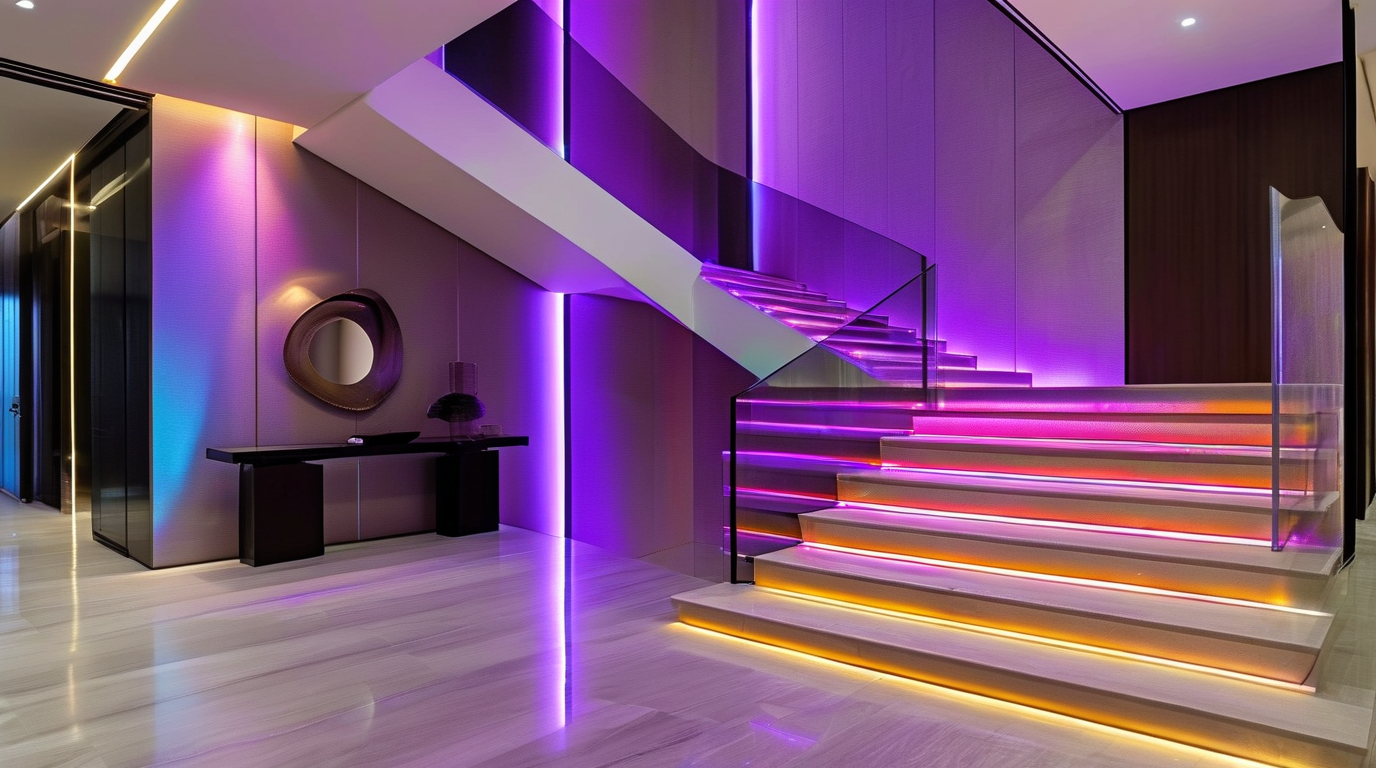
Incluso las mejores motion activated LED strips for stairs cURL Too many subrequests by single Worker invocation. To configure this limit, refer to https://developers.cloudflare.com/workers/wrangler/configuration/#limits
cURL Too many subrequests by single Worker invocation. To configure this limit, refer to https://developers.cloudflare.com/workers/wrangler/configuration/#limits
Start by measuring each tread, riser, and the total run of your staircase. Decide whether the LED strips will sit under the nosing, along the side wall, or recessed into the riser. Mark the placement with painter’s tape and step back to check the visual effect at night. This is also the time to locate your nearest power outlet, PIR sensor mounting point, and any controller or dimmer location.
Map out the total strip length so you order enough material with extra to spare. Avoid planning runs that exceed the manufacturer’s recommended continuous length, typically 5 to 10 meters, depending on strip density and voltage.
Route Cables Out of Sight
Visible cables are the fastest way to ruin an otherwise sleek installation. Tuck wires behind baseboards, under stair treads, or through drilled holes in risers. Use low-profile cable clips and color-matched channels to keep runs tight against the wall or trim. For open staircases, run power leads through the stringer or inside hollow treads where possible.
Keep high-voltage wiring separate from low-voltage LED wiring, and never pinch cables between trim pieces. Leave a small service loop at the controller or sensor so future maintenance is easier.
Use Diffuser Channels for a Smooth Glow
Aluminum diffuser channels do three things: they protect the LEDs, dissipate heat, and turn harsh dots of light into a continuous line. This is especially important for motion activated LED strips for stairs, where the goal is soft, even illumination rather than a string of bright spots.
Choose a channel profile that fits your mounting surface: surface-mount for walls, recessed for tread nosing, or corner profiles for under-stringer applications. Cut channels to length with a hacksaw or miter saw, and deburr the edges before inserting the strip.
Prep the Mounting Surface Properly
LED strip adhesive sticks best to clean, dry, smooth surfaces. Wipe down the mounting area with isopropyl alcohol to remove dust, oils, and paint residue. If the surface is porous, uneven, or painted with a low-quality finish, add a small amount of VHB tape or use mounting brackets to prevent sagging over time.
For wood stairs, a light sanding followed by a clean wipe is usually enough. For concrete or painted metal, a self-etching primer or adhesion promoter can improve long-term holding power.
Avoid Voltage Drop
Voltage drop causes LEDs at the end of a long run to look dim or discolored. To prevent it, use a power supply rated for the total wattage of your install, plus at least 20 percent headroom. For runs longer than 5 meters, inject power from both ends or split the run into shorter parallel sections.
Keep power supply wire gauge appropriate for the distance. Thicker wire (lower AWG number) carries current farther with less loss. When in doubt, use 18 AWG or larger for 12V systems and 20 AWG or larger for short 24V runs.
Test Everything Before Finalizing
Power on the full installation before securing the final clips or closing up trim. Walk the stairs and trigger the motion sensor from different angles and heights. Confirm that the light turns on smoothly, reaches full brightness, and turns off after the intended delay. Check for flickering, dim sections, and color inconsistency.
If your controller supports it, set a short activation timer for indoor stairs or a longer hold time for outdoor steps. Adjust sensor sensitivity so pets do not false-trigger it, but so a person walking quietly is still detected.
Installation Checklist
- Measure each stair tread, riser, and total strip length.
- Choose mounting locations and mark them with tape.
- Confirm power supply location and wire gauge for the run length.
- Clean and prep the mounting surface with alcohol or adhesion promoter.
- Install diffuser channels and cut them square to length.
- Route cables behind trim, baseboards, or inside hollow structures.
- Connect the controller, motion sensor, and power supply in the correct order.
- Power on and test for brightness, color consistency, and sensor response.
- Secure all clips, close trim, and tidy any remaining visible wiring.
Common Mistakes and How to Fix Them
| Error | Why It Happens | Solución |
|---|---|---|
| Dim or yellowed LEDs at the end of the strip | Voltage drop across a long single run | Inject power at both ends or split into shorter runs |
| LEDs fall off after a few weeks | Dirty or porous mounting surface | Clean with alcohol, sand lightly, or use mounting brackets |
| Motion sensor does not trigger reliably | Wrong sensor angle or blocked field of view | cURL Too many subrequests by single Worker invocation. To configure this limit, refer to https://developers.cloudflare.com/workers/wrangler/configuration/#limits |
| cURL Too many subrequests by single Worker invocation. To configure this limit, refer to https://developers.cloudflare.com/workers/wrangler/configuration/#limits | cURL Too many subrequests by single Worker invocation. To configure this limit, refer to https://developers.cloudflare.com/workers/wrangler/configuration/#limits | cURL Too many subrequests by single Worker invocation. To configure this limit, refer to https://developers.cloudflare.com/workers/wrangler/configuration/#limits |
| cURL Too many subrequests by single Worker invocation. To configure this limit, refer to https://developers.cloudflare.com/workers/wrangler/configuration/#limits | cURL Too many subrequests by single Worker invocation. To configure this limit, refer to https://developers.cloudflare.com/workers/wrangler/configuration/#limits | cURL Too many subrequests by single Worker invocation. To configure this limit, refer to https://developers.cloudflare.com/workers/wrangler/configuration/#limits |
| cURL Too many subrequests by single Worker invocation. To configure this limit, refer to https://developers.cloudflare.com/workers/wrangler/configuration/#limits | cURL Too many subrequests by single Worker invocation. To configure this limit, refer to https://developers.cloudflare.com/workers/wrangler/configuration/#limits | cURL Too many subrequests by single Worker invocation. To configure this limit, refer to https://developers.cloudflare.com/workers/wrangler/configuration/#limits |
cURL Too many subrequests by single Worker invocation. To configure this limit, refer to https://developers.cloudflare.com/workers/wrangler/configuration/#limits motion activated LED strips for stairs cURL Too many subrequests by single Worker invocation. To configure this limit, refer to https://developers.cloudflare.com/workers/wrangler/configuration/#limits
cURL Too many subrequests by single Worker invocation. To configure this limit, refer to https://developers.cloudflare.com/workers/wrangler/configuration/#limits
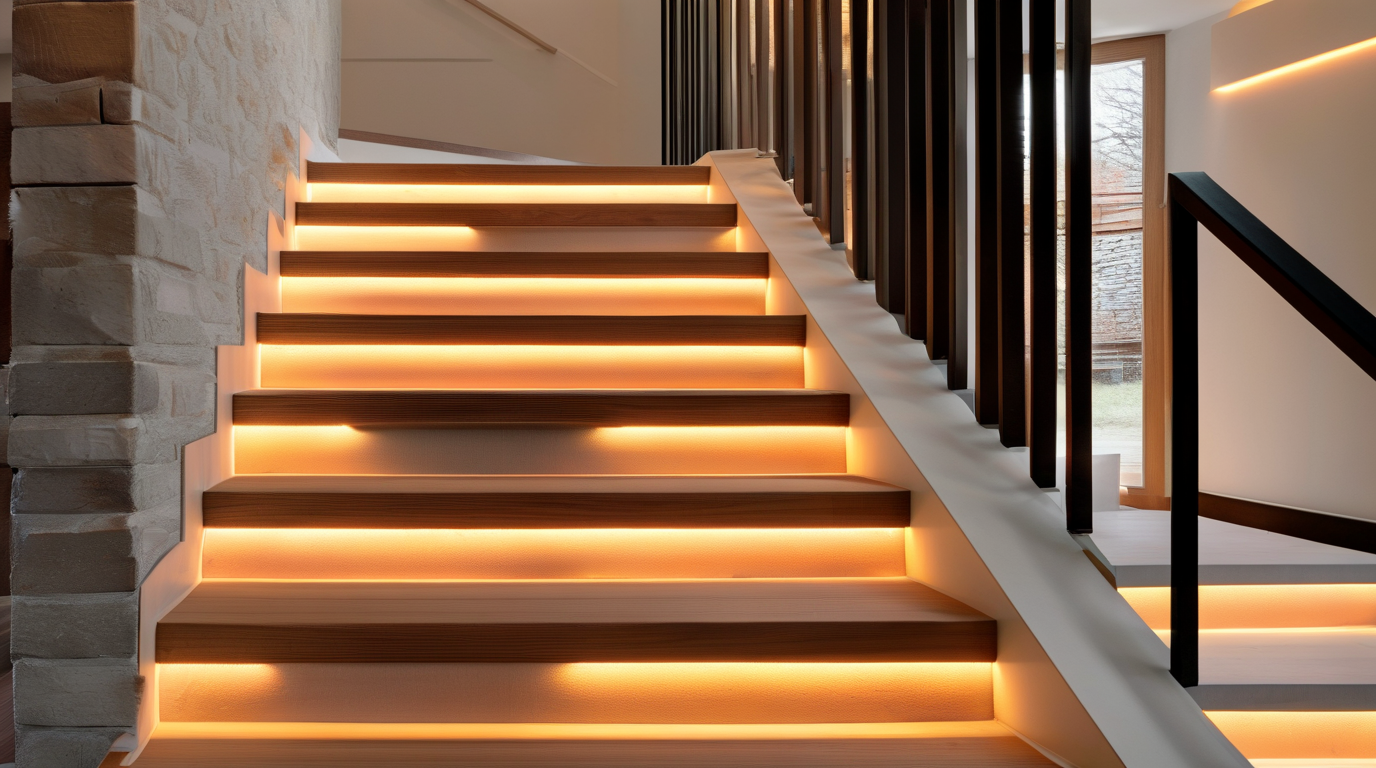
cURL Too many subrequests by single Worker invocation. To configure this limit, refer to https://developers.cloudflare.com/workers/wrangler/configuration/#limits
cURL Too many subrequests by single Worker invocation. To configure this limit, refer to https://developers.cloudflare.com/workers/wrangler/configuration/#limits motion activated LED strips for stairs cURL Too many subrequests by single Worker invocation. To configure this limit, refer to https://developers.cloudflare.com/workers/wrangler/configuration/#limits
cURL Too many subrequests by single Worker invocation. To configure this limit, refer to https://developers.cloudflare.com/workers/wrangler/configuration/#limits
cURL Too many subrequests by single Worker invocation. To configure this limit, refer to https://developers.cloudflare.com/workers/wrangler/configuration/#limits motion activated LED strips for stairs cURL Too many subrequests by single Worker invocation. To configure this limit, refer to https://developers.cloudflare.com/workers/wrangler/configuration/#limits
cURL Too many subrequests by single Worker invocation. To configure this limit, refer to https://developers.cloudflare.com/workers/wrangler/configuration/#limits
cURL Too many subrequests by single Worker invocation. To configure this limit, refer to https://developers.cloudflare.com/workers/wrangler/configuration/#limits motion activated LED strips for stairs cURL Too many subrequests by single Worker invocation. To configure this limit, refer to https://developers.cloudflare.com/workers/wrangler/configuration/#limits
Are motion activated LED strips for stairs compatible with smart home systems?
Many modern motion activated LED strips for stairs work with popular smart home platforms, including Amazon Alexa, Google Home, and Apple HomeKit. Some kits connect directly to Wi-Fi or Zigbee hubs, allowing you to control brightness, color, schedules, and automation through a smartphone app or voice command. Others rely on a separate smart motion sensor that triggers scenes, such as turning the stair lights on when a door opens or arming the security system. If you want full integration, check the product description for protocol support like Wi-Fi, Zigbee, Z-Wave, or Matter. Even non-smart strips can often be paired with a smart plug or relay, giving you app control and scheduling while keeping the built-in motion sensor active.
How difficult is it to install motion activated LED strips for stairs?
La instalación motion activated LED strips for stairs is one of the easiest DIY lighting projects you can complete in a single afternoon. Most kits come with adhesive backing, so you can simply peel and stick the strip along the underside of the stair nosing, the riser, or the side stringer. Battery-powered options avoid the need for wiring entirely, making them ideal for renters or anyone who wants a quick upgrade. Hardwired or plug-in versions require a nearby outlet or low-voltage transformer and a bit more planning for cable routing, but they still do not demand professional electrical skills. The motion sensor is usually mounted at the top or bottom of the staircase, and many kits include splitters or extension cables to cover long runs. For the cleanest results, measure each step, clean the mounting surface, and use mounting clips or aluminum channels for extra durability.
Conclusion: Light the Way Forward with Motion Activated LED Strips for Stairs
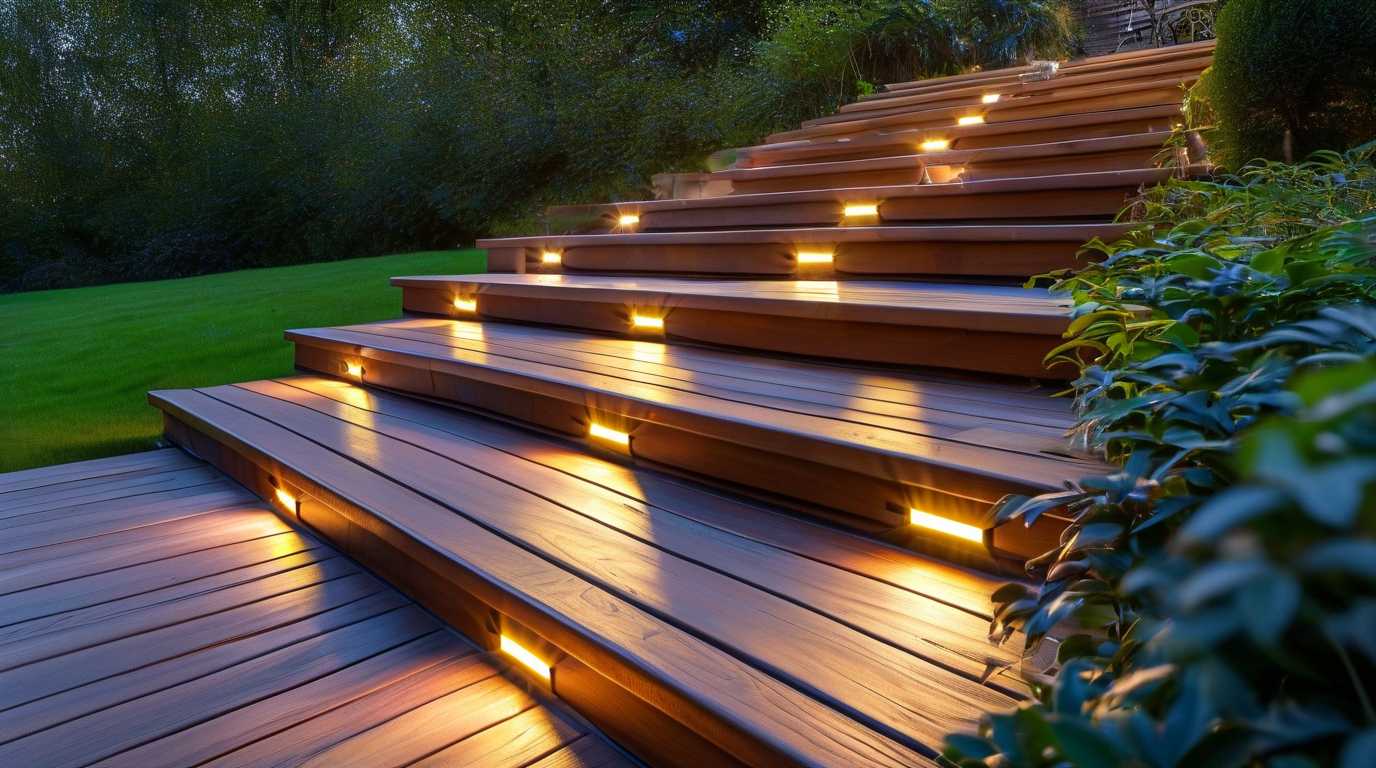
Motion activated LED strips for stairs have moved far beyond simple novelty lighting. They are now one of the most practical, affordable, and visually striking upgrades you can make to a home. Whether you are renovating a grand staircase, adding safety to a basement stairway, or creating ambient glow in a hallway, the right motion activated LED strips for stairs can transform both the look and feel of your space.
Why Motion Activated Stair Lighting Works So Well
The appeal of this technology is rooted in how it solves everyday problems. A well-placed strip turns on automatically when you need it, stays off when you do not, and reduces the risk of trips and falls in dimly lit areas. It also adds architectural interest, highlights materials like wood, tile, and carpet, and can be customized to match the mood of any room.
Throughout this article, we explored ten ideas that show just how versatile these lights can be. From color-changing smart systems to discreet under-nose installations, the options are broad enough to suit modern, rustic, minimalist, and luxury interiors alike.
Key Benefits at a Glance
| Beneficio | Por qué es importante |
|---|---|
| Hands-free activation | No wall switches needed; lights respond to movement automatically |
| Improved safety | Reduces tripping hazards on stairs during nighttime or low-light conditions |
| La eficiencia energética | LEDs use minimal power and only run when motion is detected |
| Customizable design | Available in warm white, cool white, RGB, and tunable color temperatures |
| Fácil instalación | Most kits use adhesive backing, plug-and-play controllers, and wireless sensors |
| Larga vida útil | Quality LEDs can last tens of thousands of hours with minimal maintenance |
How to Choose the Right Setup for Your Home
Not every staircase is the same, so your lighting choice should match your specific needs. Start by asking a few practical questions:
- Is this for safety, style, or both? Safety-first installations benefit from warm white light and reliable motion sensors, while style-focused setups may favor RGB color options or cascading effects.
- Will the lights be indoors or outdoors? Outdoor steps require weatherproof strips with IP65 or higher ratings and durable mounting channels.
- Do you want smart control? Some systems integrate with Alexa, Google Home, or Apple HomeKit for scheduling, dimming, and voice commands.
- What is your power situation? Battery-powered kits are easier to install, but hardwired or plug-in options offer more consistent brightness and fewer battery swaps.
- How visible should the LEDs be? Recessed or under-nose placement hides the source for a clean look, while surface-mounted strips create a more dramatic glow.
Taking a few minutes to answer these questions will help you avoid buying a kit that is either too weak for your staircase or too complex for your comfort level.
Final Thoughts
Stair lighting is one of those small details that makes a surprisingly large difference. The right installation can make your home feel safer, more welcoming, and more thoughtfully designed. Motion activation adds a layer of convenience that manual lighting simply cannot match, especially for households with children, elderly family members, or frequent nighttime movement.
We hope the ideas in this article have given you a clear starting point for your own project. Whether you want a subtle warm glow or a bold color-changing display, there is a motion activated LED strip for stairs cURL Too many subrequests by single Worker invocation. To configure this limit, refer to https://developers.cloudflare.com/workers/wrangler/configuration/#limits
cURL Too many subrequests by single Worker invocation. To configure this limit, refer to https://developers.cloudflare.com/workers/wrangler/configuration/#limits cURL Too many subrequests by single Worker invocation. To configure this limit, refer to https://developers.cloudflare.com/workers/wrangler/configuration/#limits cURL Too many subrequests by single Worker invocation. To configure this limit, refer to https://developers.cloudflare.com/workers/wrangler/configuration/#limits
cURL Too many subrequests by single Worker invocation. To configure this limit, refer to https://developers.cloudflare.com/workers/wrangler/configuration/#limits
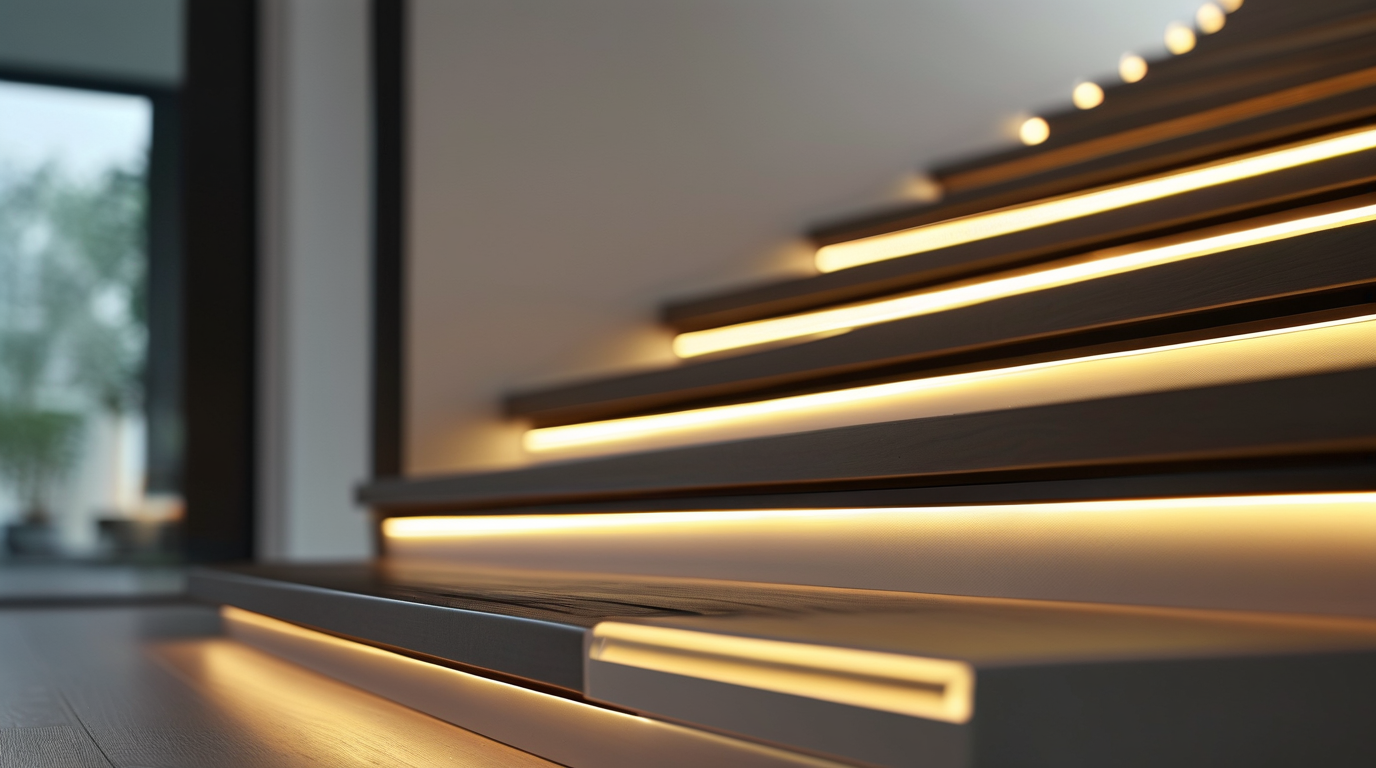
cURL Too many subrequests by single Worker invocation. To configure this limit, refer to https://developers.cloudflare.com/workers/wrangler/configuration/#limits cURL Too many subrequests by single Worker invocation. To configure this limit, refer to https://developers.cloudflare.com/workers/wrangler/configuration/#limits
cURL Too many subrequests by single Worker invocation. To configure this limit, refer to https://developers.cloudflare.com/workers/wrangler/configuration/#limits
cURL Too many subrequests by single Worker invocation. To configure this limit, refer to https://developers.cloudflare.com/workers/wrangler/configuration/#limits
cURL Too many subrequests by single Worker invocation. To configure this limit, refer to https://developers.cloudflare.com/workers/wrangler/configuration/#limits
cURL Too many subrequests by single Worker invocation. To configure this limit, refer to https://developers.cloudflare.com/workers/wrangler/configuration/#limits
- cURL Too many subrequests by single Worker invocation. To configure this limit, refer to https://developers.cloudflare.com/workers/wrangler/configuration/#limits
- cURL Too many subrequests by single Worker invocation. To configure this limit, refer to https://developers.cloudflare.com/workers/wrangler/configuration/#limits
- cURL Too many subrequests by single Worker invocation. To configure this limit, refer to https://developers.cloudflare.com/workers/wrangler/configuration/#limits
- cURL Too many subrequests by single Worker invocation. To configure this limit, refer to https://developers.cloudflare.com/workers/wrangler/configuration/#limits
- cURL Too many subrequests by single Worker invocation. To configure this limit, refer to https://developers.cloudflare.com/workers/wrangler/configuration/#limits motion activated LED strips for stairs cURL Too many subrequests by single Worker invocation. To configure this limit, refer to https://developers.cloudflare.com/workers/wrangler/configuration/#limits
cURL Too many subrequests by single Worker invocation. To configure this limit, refer to https://developers.cloudflare.com/workers/wrangler/configuration/#limits
cURL Too many subrequests by single Worker invocation. To configure this limit, refer to https://developers.cloudflare.com/workers/wrangler/configuration/#limits
cURL Too many subrequests by single Worker invocation. To configure this limit, refer to https://developers.cloudflare.com/workers/wrangler/configuration/#limits
- cURL Too many subrequests by single Worker invocation. To configure this limit, refer to https://developers.cloudflare.com/workers/wrangler/configuration/#limits
- cURL Too many subrequests by single Worker invocation. To configure this limit, refer to https://developers.cloudflare.com/workers/wrangler/configuration/#limits
- Wire all strips in parallel, not daisy-chain power from one strip to the next.
- Place the driver and controller in a ventilated, accessible location such as a cupboard under the bottom step.
Choose an IP-rated channel if the stairs lead to an exterior or wet area, and always confirm that the total wattage of the strips does not exceed the driver capacity.
Color Temperature Choices
Warm white (2700K–3000K) is the most flattering choice for residential floating stairs. It mimics the warmth of candlelight and complements timber, concrete, and painted finishes. If the stairway is part of a modern, commercial-style space, neutral white (3500K–4000K) can give a sharper, more architectural feel. Color-tunable strips are worth considering when the stairs serve multiple moods. Dimmable and tuneable white strips let you shift from a bright, welcoming glow in the evening to a subtle 2700K nightlight after midnight. Pairing this with motion activated LED strips for stairs controls means you can set brightness to 10% during late-night motion events, enough to see the edge of each step without waking the household.
Design Tips Table
| Design Decision | Recommended Choice | Why It Works |
|---|---|---|
| Channel placement | 20–30 mm back from tread nose | Hides the source while lighting the step below |
| Diffuser type | Opal polycarbonate | Creates a smooth, dot-free line of light |
| temperatura de color | 2700K–3000K | Warm, inviting, and easy on the eyes |
| Control method | Motion sensor + dimmer | Hands-free, energy-efficient, and adjustable |
| Driver location | Accessible, ventilated void | Easier maintenance and longer driver life |
Under-tread glow is one of the most refined ways to use motion activated LED strips for stairs. It keeps the technology invisible while the atmosphere it creates is impossible to miss. With the right channel, wiring, and color temperature, floating stairs become a quiet showpiece that is also safer to use at night.
Handrail Highlights: Accent Lighting Along the Rail
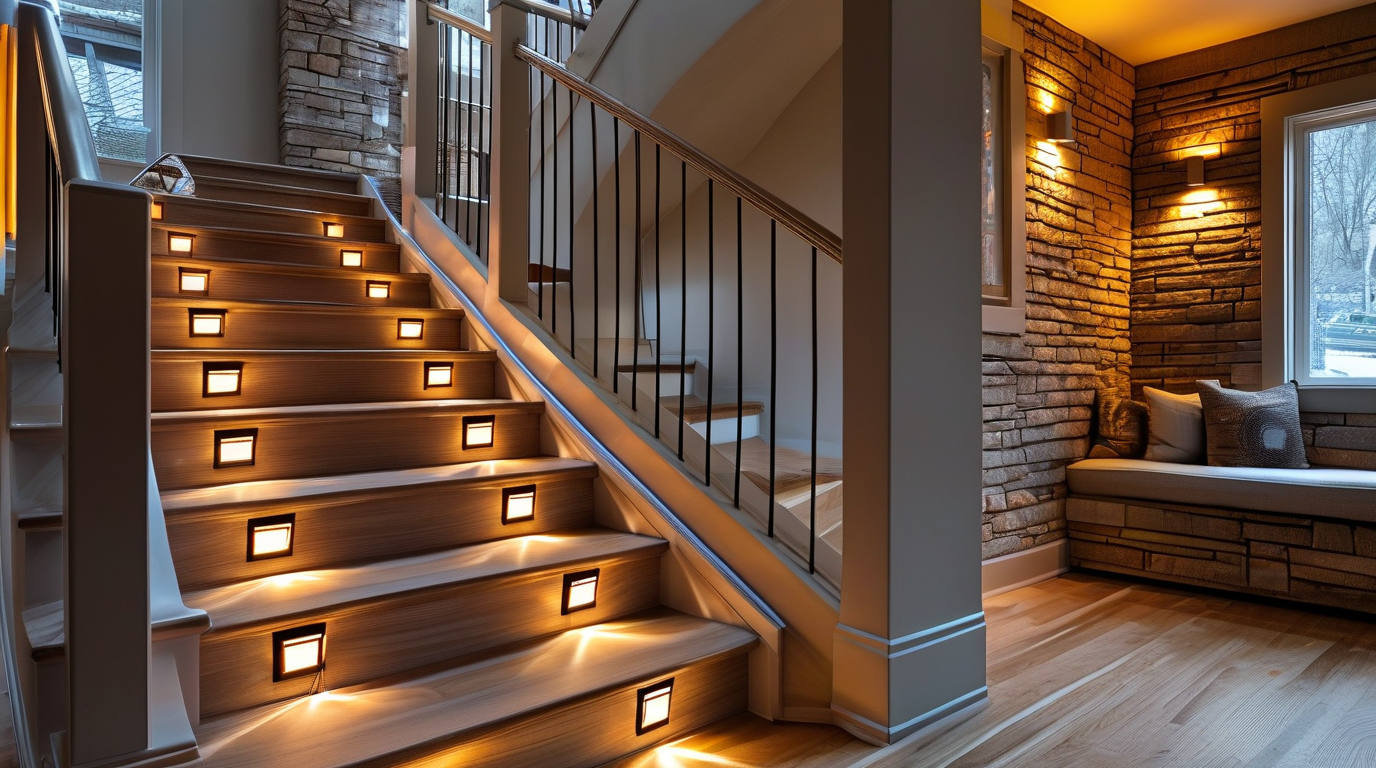
One of the most elegant ways to upgrade a staircase is to hide motion activated LED strips for stairs inside or beneath the handrail. Instead of lighting each individual tread, you create a continuous ribbon of soft illumination that follows the natural line of the rail. The result is a floating-glow effect that guides the eye—and the feet—without the cluttered look of multiple fixtures.
This approach works especially well on open-riser staircases, basement steps, and exterior deck railings where a single light source can illuminate both the rail and the nosings below. Because the LEDs are concealed, they stay protected from dust, pets, and accidental bumps, which helps them last longer and keeps the installation looking clean.
Where to Mount the Strip
There are two common mounting positions for handrail LED lighting:
- Underside of the rail: The strip faces downward, washing light over the stairs and the wall. This is the easiest retrofit because most handrails have a flat bottom surface that accepts adhesive-backed tape.
- Built-in groove or channel: Many modern handrails come with a recessed slot designed specifically for LED profiles. The strip sits flush or slightly behind the rail, producing a polished, glare-free line of light.
If your handrail does not have a groove, an aluminum LED channel mounted on the underside can act as a heat sink and a diffuser. The channel also straightens the strip so the light line is smooth even around gentle curves.
Safety Benefits of Rail-Mounted Motion Lighting
Handrail lighting improves staircase safety in several ways. The beam angle from below lights the front edge of each step, reducing the risk of tripping in low-light conditions. Because the system is motion activated, it turns on automatically when someone approaches and shuts off after a set delay, so hands remain free for carrying items or balancing.
cURL Too many subrequests by single Worker invocation. To configure this limit, refer to https://developers.cloudflare.com/workers/wrangler/configuration/#limits
- cURL Too many subrequests by single Worker invocation. To configure this limit, refer to https://developers.cloudflare.com/workers/wrangler/configuration/#limits cURL Too many subrequests by single Worker invocation. To configure this limit, refer to https://developers.cloudflare.com/workers/wrangler/configuration/#limits
- cURL Too many subrequests by single Worker invocation. To configure this limit, refer to https://developers.cloudflare.com/workers/wrangler/configuration/#limits cURL Too many subrequests by single Worker invocation. To configure this limit, refer to https://developers.cloudflare.com/workers/wrangler/configuration/#limits
- cURL Too many subrequests by single Worker invocation. To configure this limit, refer to https://developers.cloudflare.com/workers/wrangler/configuration/#limits cURL Too many subrequests by single Worker invocation. To configure this limit, refer to https://developers.cloudflare.com/workers/wrangler/configuration/#limits
- cURL Too many subrequests by single Worker invocation. To configure this limit, refer to https://developers.cloudflare.com/workers/wrangler/configuration/#limits cURL Too many subrequests by single Worker invocation. To configure this limit, refer to https://developers.cloudflare.com/workers/wrangler/configuration/#limits
cURL Too many subrequests by single Worker invocation. To configure this limit, refer to https://developers.cloudflare.com/workers/wrangler/configuration/#limits
cURL Too many subrequests by single Worker invocation. To configure this limit, refer to https://developers.cloudflare.com/workers/wrangler/configuration/#limits
cURL Too many subrequests by single Worker invocation. To configure this limit, refer to https://developers.cloudflare.com/workers/wrangler/configuration/#limits
- cURL Too many subrequests by single Worker invocation. To configure this limit, refer to https://developers.cloudflare.com/workers/wrangler/configuration/#limits cURL Too many subrequests by single Worker invocation. To configure this limit, refer to https://developers.cloudflare.com/workers/wrangler/configuration/#limits
- cURL Too many subrequests by single Worker invocation. To configure this limit, refer to https://developers.cloudflare.com/workers/wrangler/configuration/#limits cURL Too many subrequests by single Worker invocation. To configure this limit, refer to https://developers.cloudflare.com/workers/wrangler/configuration/#limits
- cURL Too many subrequests by single Worker invocation. To configure this limit, refer to https://developers.cloudflare.com/workers/wrangler/configuration/#limits cURL Too many subrequests by single Worker invocation. To configure this limit, refer to https://developers.cloudflare.com/workers/wrangler/configuration/#limits
La mayoría motion activated LED strips for stairs cURL Too many subrequests by single Worker invocation. To configure this limit, refer to https://developers.cloudflare.com/workers/wrangler/configuration/#limits
cURL Too many subrequests by single Worker invocation. To configure this limit, refer to https://developers.cloudflare.com/workers/wrangler/configuration/#limits
cURL Too many subrequests by single Worker invocation. To configure this limit, refer to https://developers.cloudflare.com/workers/wrangler/configuration/#limits
- cURL Too many subrequests by single Worker invocation. To configure this limit, refer to https://developers.cloudflare.com/workers/wrangler/configuration/#limits 2700 K to 3000 K LED strips give a cozy, traditional feel in wood-lined stair halls.
- Cool modern line: 4000 K to 5000 K strips behind a frosted channel create a crisp, architectural accent.
- Color accent: RGB or RGBW strips can be programmed to shift color for holidays, parties, or smart-home scenes.
- Minimalist invisible glow: Mount the strip deep inside a wide groove so only the light is visible, not the LEDs themselves.
Handrail Material Compatibility
Not every handrail accepts LED strips the same way. The table below summarizes how common materials work with this method.
| Handrail Material | Strip Compatibility | Installation Notes |
|---|---|---|
| Hardwood | Excelente | Can be routed to create a custom groove; use a channel if no groove exists. |
| Pine / Softwood | Bueno | Easy to cut but may splinter; sand and seal the groove before inserting the strip. |
| Acero inoxidable | Excelente | Often comes with a built-in channel; dissipates heat well. |
| Aluminio | Excelente | Lightweight, corrosion-resistant, and ideal for heat dissipation. |
| Wrought Iron | Moderado | Usually requires a clip-on or underside channel; avoid direct contact with sharp edges. |
| PVC / Composite | Bueno | Check for a manufacturer-approved LED slot; do not over-tighten fasteners. |
| Glass with Metal Cap | Limitado | Light can be mounted to the metal cap or wall brackets; glass itself cannot be routed. |
Consejos de instalación
To get professional results from a handrail LED project, keep these points in mind:
- Measure the total rail length carefully and order a strip that can be cut to the exact size at the marked cut points.
- Clean the mounting surface with isopropyl alcohol so the adhesive tape bonds properly.
- Install the motion sensor where it can detect both ascending and descending traffic without being blocked by the rail itself.
- Use a diffuser channel to hide individual LED dots and create a smooth light line.
- Test the full length before finalizing the wiring to catch any dim sections caused by voltage drop.
Handrail highlights are one of the simplest ways to add dramatic, functional lighting to a stairway. With the right motion activated LED strips for stairs, placement, and a compatible handrail material, you can turn an ordinary railing into a glowing safety feature that looks custom-built.
Step-Edge Illumination: Crisp Lines for Every Stair
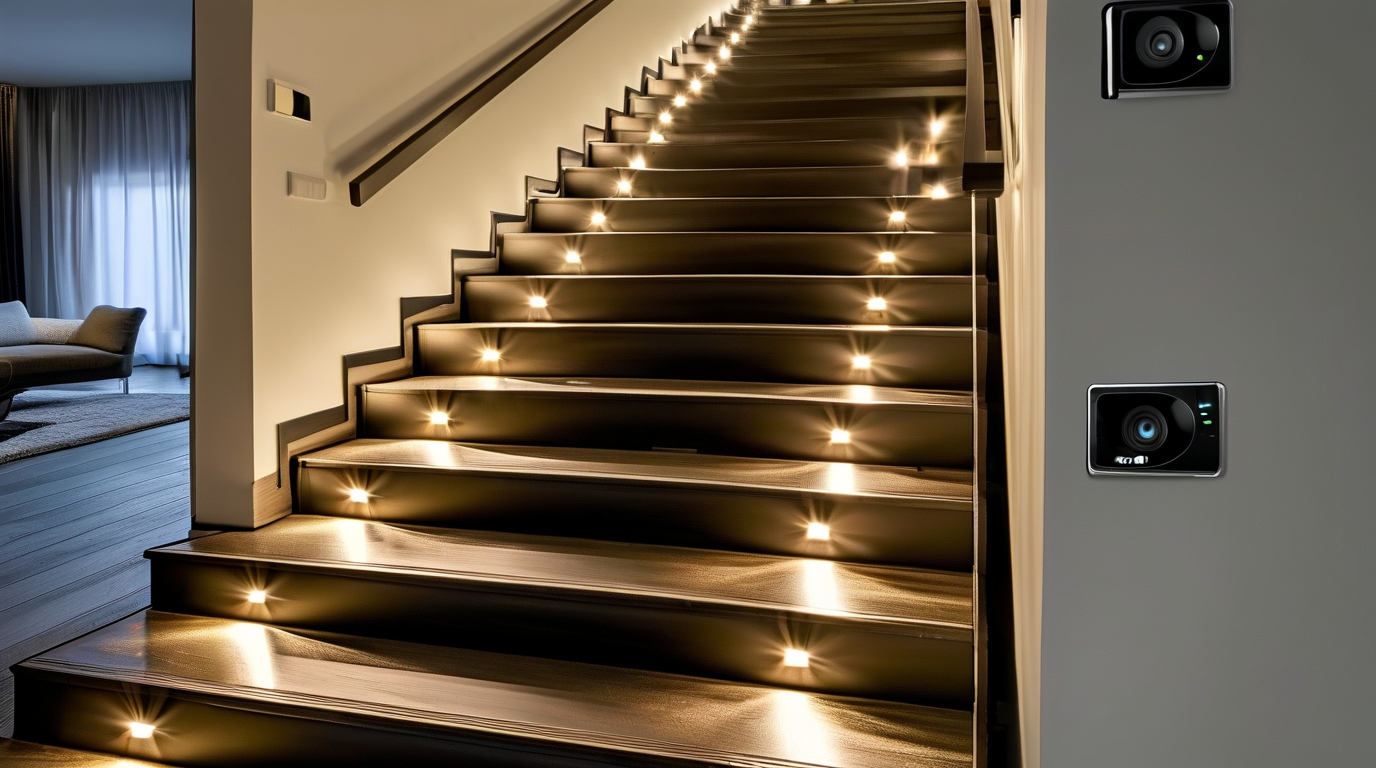
One of the most striking ways to upgrade a staircase is to highlight every individual step. Step-edge illumination does exactly that: it installs motion activated LED strips for stairs along the stair nose or front vertical edge, turning each tread into a crisp, glowing line. The result is a floating, architectural effect that makes the staircase look custom-built while also making every step easy to see in the dark.
Unlike overhead lighting, which can cast uneven shadows, step-edge lighting traces the exact contour of the stairs. This creates strong visual definition, which is especially helpful on open-riser or floating staircases where the edges can disappear at night. It also helps prevent trips and falls by clearly marking the boundary between each tread and riser. Because the light is low-level and directional, it does not glare into eyes or wash out the room when someone walks downstairs at 2 a.m.
How Step-Edge Lighting Creates Definition and Safety
The narrow, linear beam produced by an LED strip along the front edge of a step draws the eye exactly where the foot needs to land. This visual cue is valuable for:
- cURL Too many subrequests by single Worker invocation. To configure this limit, refer to https://developers.cloudflare.com/workers/wrangler/configuration/#limits cURL Too many subrequests by single Worker invocation. To configure this limit, refer to https://developers.cloudflare.com/workers/wrangler/configuration/#limits
- cURL Too many subrequests by single Worker invocation. To configure this limit, refer to https://developers.cloudflare.com/workers/wrangler/configuration/#limits cURL Too many subrequests by single Worker invocation. To configure this limit, refer to https://developers.cloudflare.com/workers/wrangler/configuration/#limits
- cURL Too many subrequests by single Worker invocation. To configure this limit, refer to https://developers.cloudflare.com/workers/wrangler/configuration/#limits cURL Too many subrequests by single Worker invocation. To configure this limit, refer to https://developers.cloudflare.com/workers/wrangler/configuration/#limits
- cURL Too many subrequests by single Worker invocation. To configure this limit, refer to https://developers.cloudflare.com/workers/wrangler/configuration/#limits cURL Too many subrequests by single Worker invocation. To configure this limit, refer to https://developers.cloudflare.com/workers/wrangler/configuration/#limits
cURL Too many subrequests by single Worker invocation. To configure this limit, refer to https://developers.cloudflare.com/workers/wrangler/configuration/#limits motion activated LED strips for stairscURL Too many subrequests by single Worker invocation. To configure this limit, refer to https://developers.cloudflare.com/workers/wrangler/configuration/#limits
cURL Too many subrequests by single Worker invocation. To configure this limit, refer to https://developers.cloudflare.com/workers/wrangler/configuration/#limits
cURL Too many subrequests by single Worker invocation. To configure this limit, refer to https://developers.cloudflare.com/workers/wrangler/configuration/#limits
- cURL Too many subrequests by single Worker invocation. To configure this limit, refer to https://developers.cloudflare.com/workers/wrangler/configuration/#limits cURL Too many subrequests by single Worker invocation. To configure this limit, refer to https://developers.cloudflare.com/workers/wrangler/configuration/#limits
- cURL Too many subrequests by single Worker invocation. To configure this limit, refer to https://developers.cloudflare.com/workers/wrangler/configuration/#limits cURL Too many subrequests by single Worker invocation. To configure this limit, refer to https://developers.cloudflare.com/workers/wrangler/configuration/#limits
- cURL Too many subrequests by single Worker invocation. To configure this limit, refer to https://developers.cloudflare.com/workers/wrangler/configuration/#limits cURL Too many subrequests by single Worker invocation. To configure this limit, refer to https://developers.cloudflare.com/workers/wrangler/configuration/#limits
- cURL Too many subrequests by single Worker invocation. To configure this limit, refer to https://developers.cloudflare.com/workers/wrangler/configuration/#limits cURL Too many subrequests by single Worker invocation. To configure this limit, refer to https://developers.cloudflare.com/workers/wrangler/configuration/#limits
cURL Too many subrequests by single Worker invocation. To configure this limit, refer to https://developers.cloudflare.com/workers/wrangler/configuration/#limits
cURL Too many subrequests by single Worker invocation. To configure this limit, refer to https://developers.cloudflare.com/workers/wrangler/configuration/#limits
Stair lighting often faces dust, dirty shoes, cleaning products, and outdoor weather. Choosing the right waterproof grade keeps the installation reliable. IP ratings use two numbers: the first measures dust protection, the second measures water protection.
| Clasificación IP | Mejor para | Notas |
|---|---|---|
| IP20 | Dry indoor stairs only | No dust or water protection; fine for clean interior installations. |
| IP44 | Indoor stairs, hallways, basements | Protected against small objects and light splashing; good for normal household use. |
| IP65 | Kitchen stairs, mudrooms, covered porches | Dust-tight and resistant to water jets; safe for areas exposed to cleaning. |
| IP67 | Outdoor steps, pool areas, patios | Can handle temporary immersion and heavy rain; ideal for exterior staircases. |
As a general rule, choose IP65 or higher for any stair near a door, sink, or exterior wall. For fully outdoor motion activated LED strips for stairs, IP67 is the safest long-term choice.
Sensor Placement Tips for Step-Edge Strips
The sensor is what turns the staircase from a static nightlight into a responsive system. Placement affects both convenience and false triggers:
- Mount at the top and bottom: a PIR motion sensor at both landings catches someone starting the ascent or descent and lights the entire run before they reach the first step.
- Angle downward slightly: aiming the sensor toward the floor reduces false triggers from pets or heat sources above.
- Use a 2–5 minute auto-off timer: this keeps the lights on long enough to finish the stairs without wasting energy.
- Consider daylight sensors: a built-in photocell prevents the strips from activating during bright daylight.
- Hide the sensor: tuck it under the stair nose or inside a side wall so it does not break the clean line of the LED strip.
For smart homes, look for controllers that allow adjustable sensitivity, time delay, and brightness. Some systems can also dim the strip to 10% instead of turning it completely off, giving a soft standby glow.
Edge-Mounted vs. Under-Tread Placement
Deciding where to put the strip changes both the appearance and the performance. Here is a quick comparison:
| Factor | Edge-Mounted (Nose/Front) | Under-Tread (Beneath the Tread) |
|---|---|---|
| Visual effect | Bright, crisp outline of each step; very modern. | Soft glow on the riser below; more subtle and indirect. |
| Seguridad | Excellent: directly marks the tread edge. | Good: lights the next step but the edge itself is less defined. |
| Visibility of hardware | Channel is visible on the front edge unless recessed. | Channel is hidden above the riser, very discreet. |
| Installation difficulty | Easier with surface-mount profiles; can be done as a retrofit. | Usually requires routing under the tread or access from below. |
| Mejor para | cURL Too many subrequests by single Worker invocation. To configure this limit, refer to https://developers.cloudflare.com/workers/wrangler/configuration/#limits | cURL Too many subrequests by single Worker invocation. To configure this limit, refer to https://developers.cloudflare.com/workers/wrangler/configuration/#limits |
cURL Too many subrequests by single Worker invocation. To configure this limit, refer to https://developers.cloudflare.com/workers/wrangler/configuration/#limits
- cURL Too many subrequests by single Worker invocation. To configure this limit, refer to https://developers.cloudflare.com/workers/wrangler/configuration/#limits
- cURL Too many subrequests by single Worker invocation. To configure this limit, refer to https://developers.cloudflare.com/workers/wrangler/configuration/#limits
- cURL Too many subrequests by single Worker invocation. To configure this limit, refer to https://developers.cloudflare.com/workers/wrangler/configuration/#limits
- cURL Too many subrequests by single Worker invocation. To configure this limit, refer to https://developers.cloudflare.com/workers/wrangler/configuration/#limits
- cURL Too many subrequests by single Worker invocation. To configure this limit, refer to https://developers.cloudflare.com/workers/wrangler/configuration/#limits
cURL Too many subrequests by single Worker invocation. To configure this limit, refer to https://developers.cloudflare.com/workers/wrangler/configuration/#limits motion activated LED strips for stairs cURL Too many subrequests by single Worker invocation. To configure this limit, refer to https://developers.cloudflare.com/workers/wrangler/configuration/#limits
cURL Too many subrequests by single Worker invocation. To configure this limit, refer to https://developers.cloudflare.com/workers/wrangler/configuration/#limits
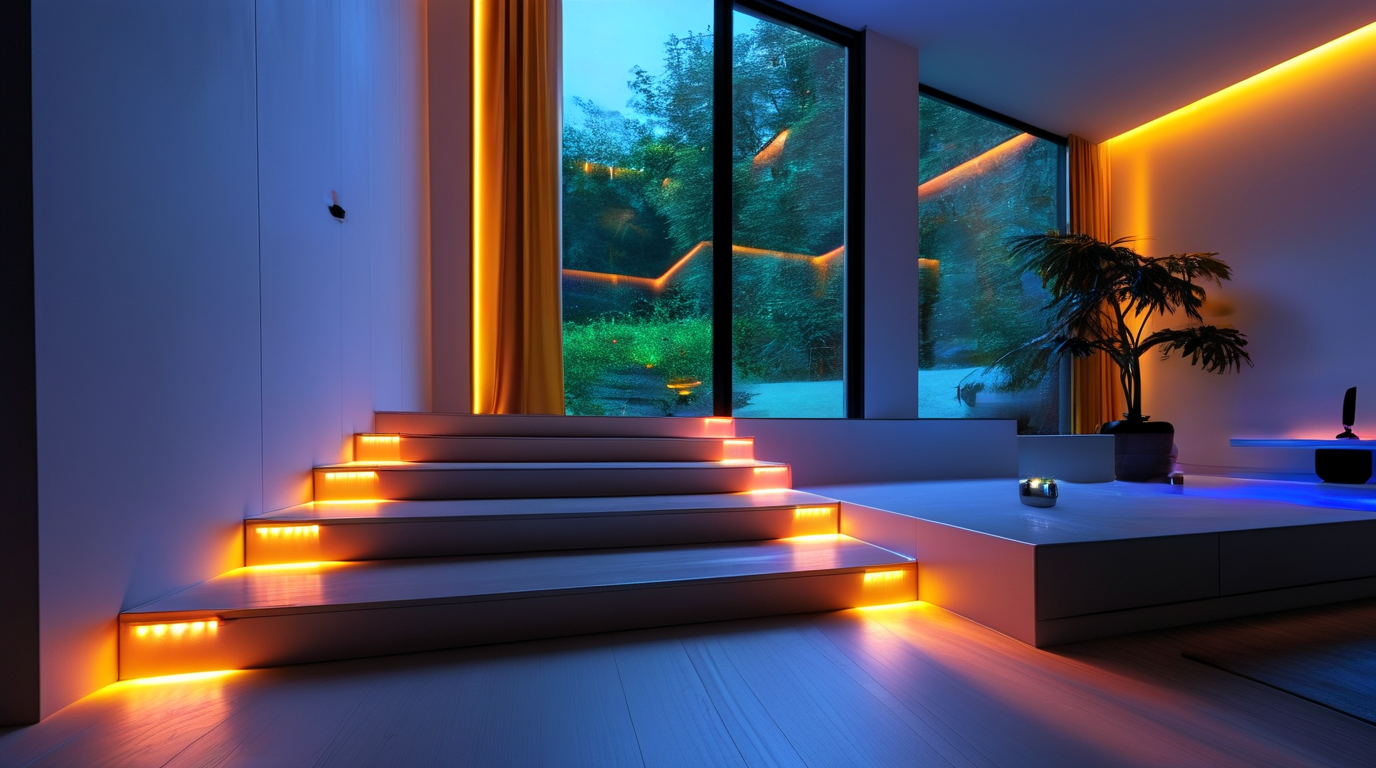
cURL Too many subrequests by single Worker invocation. To configure this limit, refer to https://developers.cloudflare.com/workers/wrangler/configuration/#limits motion activated LED strips for stairs cURL Too many subrequests by single Worker invocation. To configure this limit, refer to https://developers.cloudflare.com/workers/wrangler/configuration/#limits
cURL Too many subrequests by single Worker invocation. To configure this limit, refer to https://developers.cloudflare.com/workers/wrangler/configuration/#limits
cURL Too many subrequests by single Worker invocation. To configure this limit, refer to https://developers.cloudflare.com/workers/wrangler/configuration/#limits
cURL Too many subrequests by single Worker invocation. To configure this limit, refer to https://developers.cloudflare.com/workers/wrangler/configuration/#limits
- cURL Too many subrequests by single Worker invocation. To configure this limit, refer to https://developers.cloudflare.com/workers/wrangler/configuration/#limits cURL Too many subrequests by single Worker invocation. To configure this limit, refer to https://developers.cloudflare.com/workers/wrangler/configuration/#limits
- cURL Too many subrequests by single Worker invocation. To configure this limit, refer to https://developers.cloudflare.com/workers/wrangler/configuration/#limits cURL Too many subrequests by single Worker invocation. To configure this limit, refer to https://developers.cloudflare.com/workers/wrangler/configuration/#limits
- cURL Too many subrequests by single Worker invocation. To configure this limit, refer to https://developers.cloudflare.com/workers/wrangler/configuration/#limits cURL Too many subrequests by single Worker invocation. To configure this limit, refer to https://developers.cloudflare.com/workers/wrangler/configuration/#limits
- Party and event modes: Sync lights to music or set a color theme for gatherings, then return to neutral white afterward.
- Dual safety benefit: Motion activation ensures the stairs are always lit when occupied, reducing trip risks at night.
Planning Your Entryway Stair Lighting Layout
To get the most from color-changing strips, treat the foyer as a layered lighting project. Start with a motion sensor at the top and bottom of the staircase, plus one near the front door if the stairs are visible from the entrance. Use aluminum channels with diffusers to hide individual LEDs and produce smooth, even bands of color on each riser.
Power the system with a controller that supports RGB or RGBW wiring, and confirm the controller is rated for the total strip length. For a typical 12–16 tread foyer run, a 60 LED/m strip consumes roughly 5–7 A at full white, so size the transformer accordingly. Many controllers also offer “last state memory,” so the strips return to your preferred default color after each motion event.
Color-Use Scenarios for Entry Stairs
| Color / Scene | Mejor caso de uso | Recommended Brightness |
|---|---|---|
| Warm White (2700–3000 K) | Daily welcome lighting, evening arrivals | 40–60% brightness |
| Cool White (5000–6000 K) | Morning departures, task visibility | 60–80% brightness |
| Soft Amber / Gold | Luxury hospitality feel, fall and winter décor | 30–50% brightness |
| Deep Blue / Teal | Modern accent, coastal themes | 40–60% brightness |
| Red / Green | Holiday scenes, themed parties | 50–70% brightness |
| Rainbow Fade / Chasing Color | Parties, celebrations, smart-home showcases | 60–80% brightness |
Smart Control and Automation Tips
Modern RGBW controllers make it easy to integrate motion activated LED strips for stairs into a broader smart home routine. For example, you can set the foyer to warm white at 30% brightness whenever motion is detected after sunset, but switch to a color loop during weekend entertaining. Geofencing can trigger the lights when you arrive home, and a “goodnight” scene can turn everything off from a bedside voice command.
When programming scenes, keep default motion colors subtle and reserve bright saturated hues for manual party modes. This prevents the entryway from feeling like a nightclub every time someone walks through. Also, use an outdoor-rated motion sensor if the front door is exposed to drafts or humidity, and place the controller in a ventilated location to avoid heat buildup.
With the right planning, RGB and RGBW motion strips transform a foyer staircase from a simple path into a dynamic, welcoming feature that adapts to every moment of the day.
Warm White Welcome: Cozy Lighting for Indoor Staircases
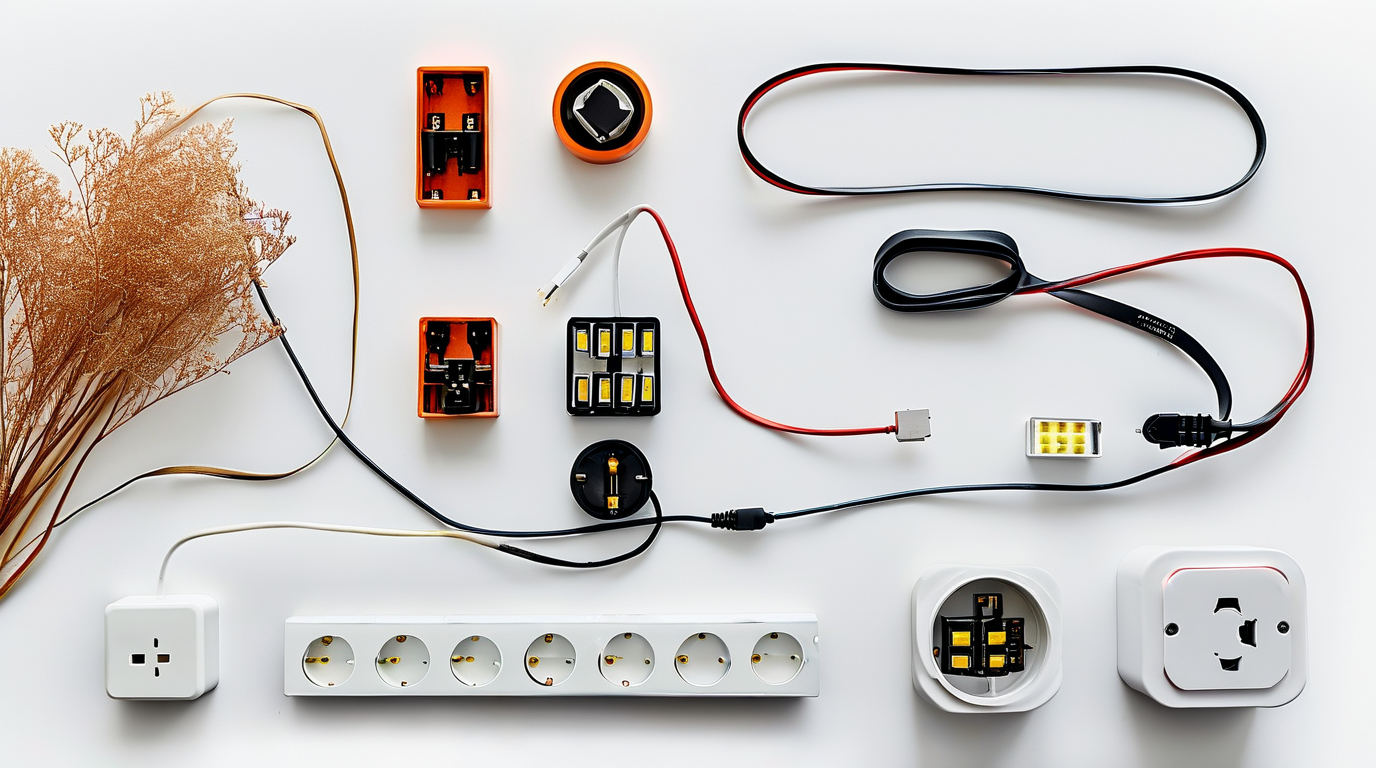
A staircase should feel like a gentle invitation, not a harsh pathway. That is why motion activated LED strips for stairs in warm white (2700K–3000K) are one of the most popular choices for homeowners. The golden glow they produce is soft enough to avoid glare, yet bright enough to guide every step. Unlike cool white or daylight LEDs, warm white closely mimics the color of traditional incandescent bulbs, making it ideal for family spaces where comfort matters as much as safety.
Why Warm White Works Best Indoors
Human eyes relax under warm tones, especially during evening hours. After sunset, a staircase lit by 2700K–3000K LED strips feels welcoming rather than clinical. The color temperature range reduces the amount of blue light emitted, which helps protect your family’s sleep cycle when someone heads upstairs late at night. This is one of the reasons many interior designers recommend warm white motion activated LED strips for stairs in bedrooms, hallways, and landings.
Comfort, Soft Glow, and Family Safety
cURL Too many subrequests by single Worker invocation. To configure this limit, refer to https://developers.cloudflare.com/workers/wrangler/configuration/#limits
cURL Too many subrequests by single Worker invocation. To configure this limit, refer to https://developers.cloudflare.com/workers/wrangler/configuration/#limits
- cURL Too many subrequests by single Worker invocation. To configure this limit, refer to https://developers.cloudflare.com/workers/wrangler/configuration/#limits cURL Too many subrequests by single Worker invocation. To configure this limit, refer to https://developers.cloudflare.com/workers/wrangler/configuration/#limits
- cURL Too many subrequests by single Worker invocation. To configure this limit, refer to https://developers.cloudflare.com/workers/wrangler/configuration/#limits cURL Too many subrequests by single Worker invocation. To configure this limit, refer to https://developers.cloudflare.com/workers/wrangler/configuration/#limits
- cURL Too many subrequests by single Worker invocation. To configure this limit, refer to https://developers.cloudflare.com/workers/wrangler/configuration/#limits cURL Too many subrequests by single Worker invocation. To configure this limit, refer to https://developers.cloudflare.com/workers/wrangler/configuration/#limits
- cURL Too many subrequests by single Worker invocation. To configure this limit, refer to https://developers.cloudflare.com/workers/wrangler/configuration/#limits cURL Too many subrequests by single Worker invocation. To configure this limit, refer to https://developers.cloudflare.com/workers/wrangler/configuration/#limits
- cURL Too many subrequests by single Worker invocation. To configure this limit, refer to https://developers.cloudflare.com/workers/wrangler/configuration/#limits cURL Too many subrequests by single Worker invocation. To configure this limit, refer to https://developers.cloudflare.com/workers/wrangler/configuration/#limits
cURL Too many subrequests by single Worker invocation. To configure this limit, refer to https://developers.cloudflare.com/workers/wrangler/configuration/#limits
cURL Too many subrequests by single Worker invocation. To configure this limit, refer to https://developers.cloudflare.com/workers/wrangler/configuration/#limits
cURL Too many subrequests by single Worker invocation. To configure this limit, refer to https://developers.cloudflare.com/workers/wrangler/configuration/#limits
cURL Too many subrequests by single Worker invocation. To configure this limit, refer to https://developers.cloudflare.com/workers/wrangler/configuration/#limits
cURL Too many subrequests by single Worker invocation. To configure this limit, refer to https://developers.cloudflare.com/workers/wrangler/configuration/#limits
| Temperatura de Color | cURL Too many subrequests by single Worker invocation. To configure this limit, refer to https://developers.cloudflare.com/workers/wrangler/configuration/#limits | cURL Too many subrequests by single Worker invocation. To configure this limit, refer to https://developers.cloudflare.com/workers/wrangler/configuration/#limits |
|---|---|---|
| 2700K | cURL Too many subrequests by single Worker invocation. To configure this limit, refer to https://developers.cloudflare.com/workers/wrangler/configuration/#limits | cURL Too many subrequests by single Worker invocation. To configure this limit, refer to https://developers.cloudflare.com/workers/wrangler/configuration/#limits |
| 3000K | cURL Too many subrequests by single Worker invocation. To configure this limit, refer to https://developers.cloudflare.com/workers/wrangler/configuration/#limits | Modern hallways, transitional homes, mixed material finishes |
| 3500K | Blanco neutro | Basement stairs, utility areas, commercial spaces |
| 4000K–5000K | Cool white to daylight | Outdoor stairs, security lighting, high-traffic public areas |
Installation Tips for a Warm White Staircase
For the coziest effect, install warm white motion activated LED strips for stairs under the tread nosing or along the riser base. This hides the LED source while casting a soft pool of light on each step. Choose a motion sensor with adjustable sensitivity and an auto-off timer between 30 seconds and 3 minutes. This keeps the lights responsive without wasting energy.
If your staircase has a landing, use the same color temperature throughout for visual consistency. Diffuser channels are worth adding because they smooth out individual LED hotspots and create an even, welcoming glow. Finally, select a dimmable driver so you can fine-tune brightness to match the time of day or your family’s preferences.
Creating a Warm Welcome Every Time
Warm white stair lighting is about more than visibility. It sets the emotional tone of your home. Whether you are coming home after a long day or sending a child upstairs to bed, motion activated LED strips for stairs in 2700K–3000K deliver a gentle, reliable welcome. They blend safety with comfort, protect your family’s nighttime routine, and enhance the natural beauty of wood, paint, and hardware finishes. For homeowners who want stair lighting that feels as good as it looks, warm white is the natural choice.
Outdoor Motion Activated LED Strips for Patio Steps
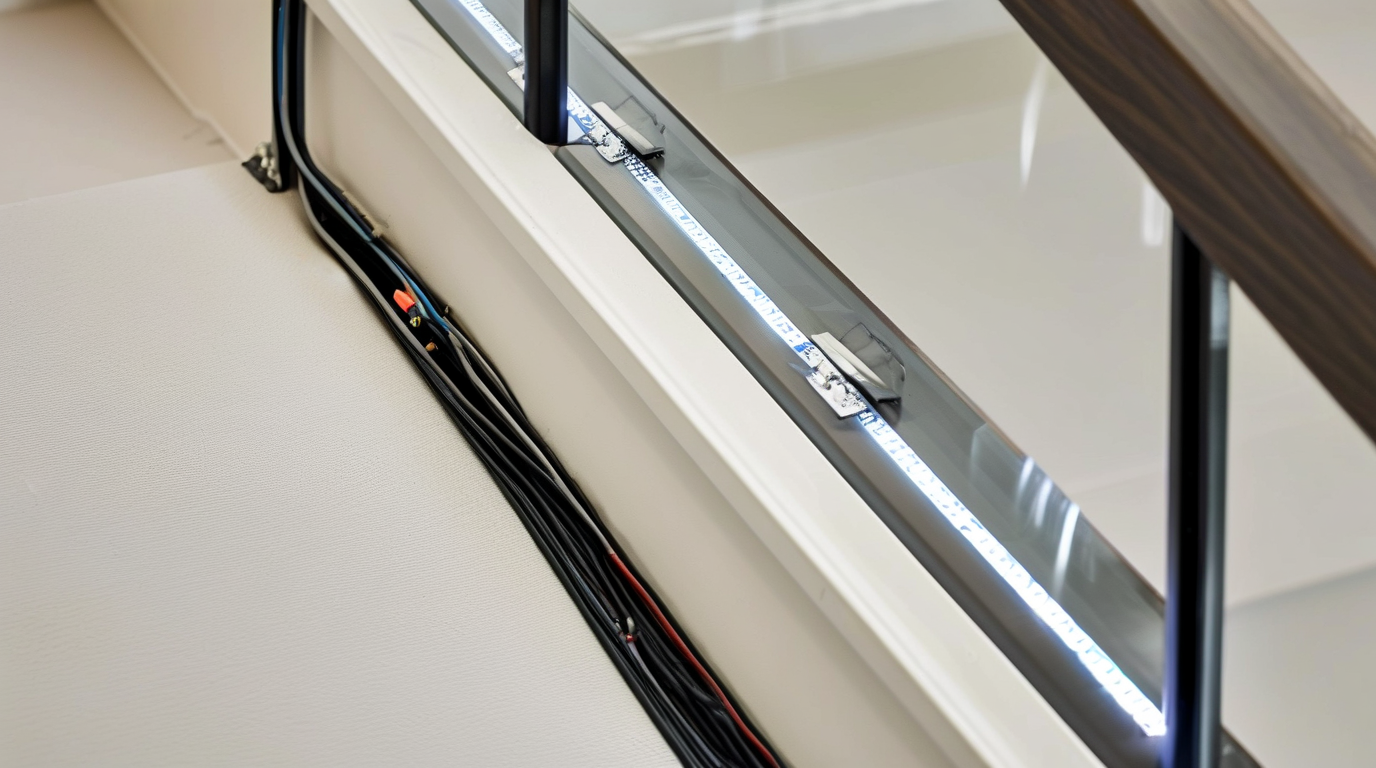
Outdoor stairs and patio steps are some of the most hazardous areas around a home after dark. Uneven risers, wet surfaces, and poor visibility all contribute to trips and falls. Installing motion activated LED strips for stairs outside solves these problems by delivering hands-free illumination exactly when someone approaches. The key difference between indoor and outdoor step lighting is protection: outdoor strips must survive rain, snow, UV rays, and temperature swings while still triggering reliably every time.
Waterproof Ratings and What They Mean
IP ratings tell you how well an LED strip resists dust and water. For outdoor steps, never install non-weatherproof strips even under a covered patio. Moisture, condensation, and splashing will destroy unprotected electronics quickly. The table below breaks down the most common IP ratings used with outdoor motion activated LED strips for stairs.
| Clasificación IP | Nivel de protección | Mejor para |
|---|---|---|
| IP54 | Dust protected; splashing water from any angle | Covered patios, dry climates, areas with minimal direct rain |
| IP65 | Dust tight; low-pressure water jets | Most outdoor stairs and patio steps; rain, sprinklers, and hose cleaning |
| IP67 | Dust tight; temporary immersion up to 1 meter | Steps near pools, fountains, or areas prone to heavy water runoff |
| IP68 | Dust tight; continuous submersion under pressure | Water features, coastal installations, or extreme exposure zones |
For standard patio steps, IP65 is the sweet spot. It offers enough protection for rain and washing without the cost premium of IP68. If your stairs sit near a pool, fountain, or frequently flooded walkway, move up to IP67 or IP68.
Weatherproof Power Supplies and Controllers
Waterproof strips are only half the battle. The power supply, motion sensor, and controller must also be rated for outdoor use. Mount these components in a sheltered location whenever possible, such as inside a covered junction box, beneath the deck, or behind a wall-mounted fixture. Always look for:
- IP65 or higher power supply to match the strip rating
- UV-resistant cable jackets that won’t crack after sun exposure
- Silicone or epoxy-coated controllers instead of open PCB boards
- Operating temperature range cURL Too many subrequests by single Worker invocation. To configure this limit, refer to https://developers.cloudflare.com/workers/wrangler/configuration/#limits
cURL Too many subrequests by single Worker invocation. To configure this limit, refer to https://developers.cloudflare.com/workers/wrangler/configuration/#limits
cURL Too many subrequests by single Worker invocation. To configure this limit, refer to https://developers.cloudflare.com/workers/wrangler/configuration/#limits
cURL Too many subrequests by single Worker invocation. To configure this limit, refer to https://developers.cloudflare.com/workers/wrangler/configuration/#limits motion activated LED strips for stairs cURL Too many subrequests by single Worker invocation. To configure this limit, refer to https://developers.cloudflare.com/workers/wrangler/configuration/#limits
- cURL Too many subrequests by single Worker invocation. To configure this limit, refer to https://developers.cloudflare.com/workers/wrangler/configuration/#limits
- cURL Too many subrequests by single Worker invocation. To configure this limit, refer to https://developers.cloudflare.com/workers/wrangler/configuration/#limits
- cURL Too many subrequests by single Worker invocation. To configure this limit, refer to https://developers.cloudflare.com/workers/wrangler/configuration/#limits
- cURL Too many subrequests by single Worker invocation. To configure this limit, refer to https://developers.cloudflare.com/workers/wrangler/configuration/#limits
cURL Too many subrequests by single Worker invocation. To configure this limit, refer to https://developers.cloudflare.com/workers/wrangler/configuration/#limits
cURL Too many subrequests by single Worker invocation. To configure this limit, refer to https://developers.cloudflare.com/workers/wrangler/configuration/#limits
cURL Too many subrequests by single Worker invocation. To configure this limit, refer to https://developers.cloudflare.com/workers/wrangler/configuration/#limits
cURL Too many subrequests by single Worker invocation. To configure this limit, refer to https://developers.cloudflare.com/workers/wrangler/configuration/#limits cURL Too many subrequests by single Worker invocation. To configure this limit, refer to https://developers.cloudflare.com/workers/wrangler/configuration/#limits
cURL Too many subrequests by single Worker invocation. To configure this limit, refer to https://developers.cloudflare.com/workers/wrangler/configuration/#limits cURL Too many subrequests by single Worker invocation. To configure this limit, refer to https://developers.cloudflare.com/workers/wrangler/configuration/#limits
cURL Too many subrequests by single Worker invocation. To configure this limit, refer to https://developers.cloudflare.com/workers/wrangler/configuration/#limits cURL Too many subrequests by single Worker invocation. To configure this limit, refer to https://developers.cloudflare.com/workers/wrangler/configuration/#limits
cURL Too many subrequests by single Worker invocation. To configure this limit, refer to https://developers.cloudflare.com/workers/wrangler/configuration/#limits
cURL Too many subrequests by single Worker invocation. To configure this limit, refer to https://developers.cloudflare.com/workers/wrangler/configuration/#limits
cURL Too many subrequests by single Worker invocation. To configure this limit, refer to https://developers.cloudflare.com/workers/wrangler/configuration/#limits motion activated LED strips for stairscURL Too many subrequests by single Worker invocation. To configure this limit, refer to https://developers.cloudflare.com/workers/wrangler/configuration/#limits
- Use low-voltage DC strips (12V or 24V) to reduce shock risk outdoors
- Install a GFCI-protected outlet or breaker for any AC connections
- Keep all connections above ground and off the walking surface
- Do not run standard indoor extension cords through wet areas
- Choose a warm white color temperature (2700K–3000K) to avoid harsh glare
- Ensure the motion sensor covers the full approach path so steps light before the first foot lands
Motion activation also improves security by removing constant light pollution and saving energy. When someone steps onto the patio, the strips illuminate the path instantly; after they pass, the lights turn off.
Maintenance Tips for Outdoor LED Step Strips
Outdoor installations need occasional care to keep shining bright. Schedule maintenance twice a year and after major storms:
- Wipe lenses and sensor covers with a soft, damp cloth to remove dirt and spiderwebs
- Inspect all connections for corrosion, moisture, or loosening
- Clear leaves and debris from stair channels to prevent heat buildup
- Check mounting screws and adhesive; replace any that have loosened
- Verify sensor aim and sensitivity as landscaping grows and changes
- Apply fresh silicone sealant to any penetrations in wood or masonry
With the right IP rating, quality components, and proper installation, motion activated LED strips for stairs can turn a dark patio into a safe, welcoming outdoor space for years to come.
Stair Nose Lighting for Subtle Guidance
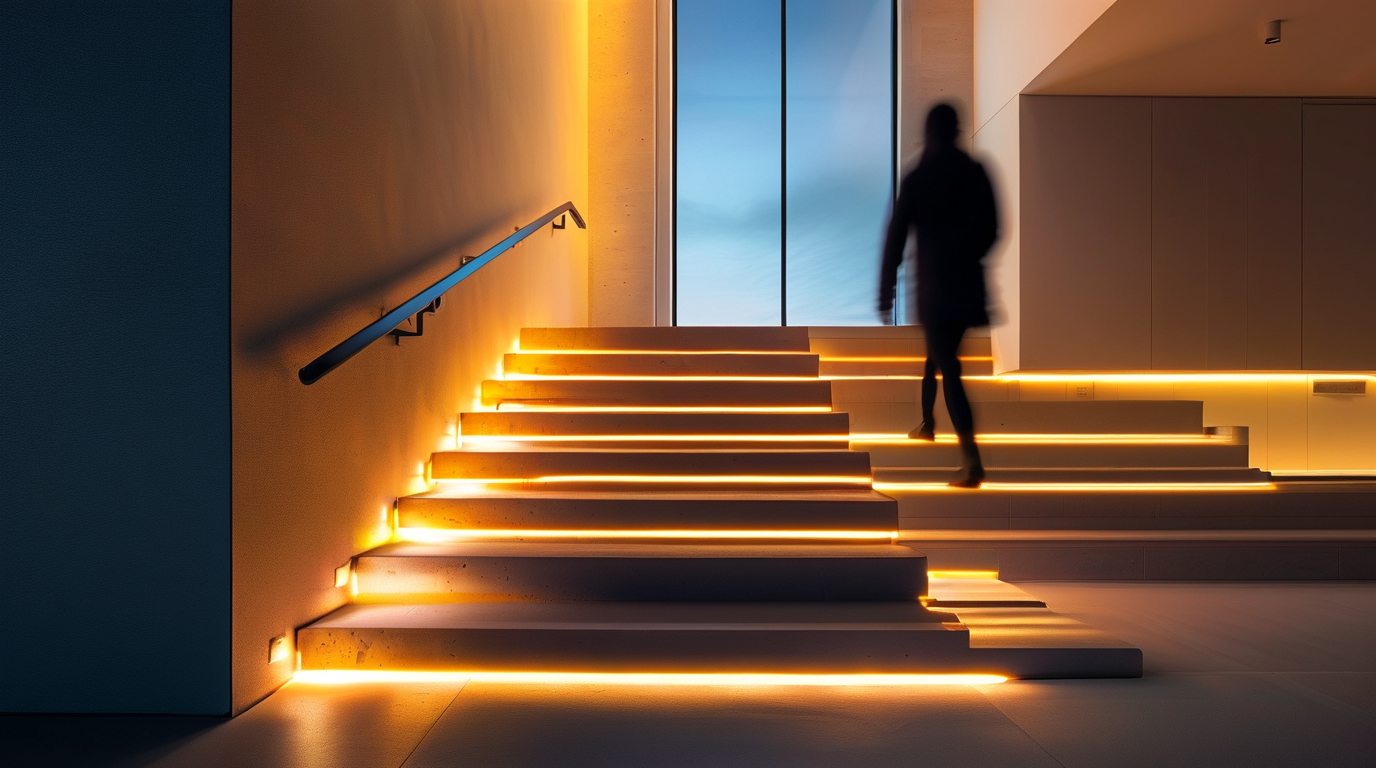
If you want guidance lighting that nearly disappears during the day, embedding cURL Too many subrequests by single Worker invocation. To configure this limit, refer to https://developers.cloudflare.com/workers/wrangler/configuration/#limits inside the stair nosing is one of the cleanest approaches. The nosing—the front edge of each tread—is an ideal location for low-profile illumination because it points light downward, highlights the trip hazard, and stays hidden from normal sightlines. The result is a floating-step effect that activates only when someone approaches and shuts off automatically when the stairway is empty.
What Is Stair Nose Lighting?
Stair nose lighting uses a slim LED strip mounted in or behind the nosing, usually on the vertical face of each step. Because the strip is oriented toward the tread below, the light creates a soft wash across the step surface without casting glare into eyes. It is especially popular in open-riser, floating, and modern closed-riser staircases where recessed wall lights would break the visual line.
Compared with side-mounted or wall-wash step lighting, nosing placement gives two practical advantages:
- Even coverage per step: every tread receives the same amount of light because the source is located at the same point on each step.
- Minimal visible hardware: the strip, channel, and wiring sit behind the nosing or anti-slip strip, so only the glow is visible.
Surface vs. Recessed Nosing Profiles
Choosing between surface-mounted and recessed nosing profiles depends on your staircase material, budget, and how much construction you are willing to do. The table below compares the two options for cURL Too many subrequests by single Worker invocation. To configure this limit, refer to https://developers.cloudflare.com/workers/wrangler/configuration/#limits .
| Característica | Surface Nosing Profile | Recessed Nosing Profile |
|---|---|---|
| Instalación | Screws or adhesive onto existing nosing | Routered groove or channel cut into tread edge |
| Profile height | 6–12 mm visible above the tread | Flush or nearly flush with the tread surface |
| Mejor para | Retrofit, carpet stairs, or metal stair pans | New wood, composite, or concrete treads |
| Durabilidad | cURL Too many subrequests by single Worker invocation. To configure this limit, refer to https://developers.cloudflare.com/workers/wrangler/configuration/#limits | cURL Too many subrequests by single Worker invocation. To configure this limit, refer to https://developers.cloudflare.com/workers/wrangler/configuration/#limits |
| cURL Too many subrequests by single Worker invocation. To configure this limit, refer to https://developers.cloudflare.com/workers/wrangler/configuration/#limits | cURL Too many subrequests by single Worker invocation. To configure this limit, refer to https://developers.cloudflare.com/workers/wrangler/configuration/#limits | cURL Too many subrequests by single Worker invocation. To configure this limit, refer to https://developers.cloudflare.com/workers/wrangler/configuration/#limits |
| Costo | cURL Too many subrequests by single Worker invocation. To configure this limit, refer to https://developers.cloudflare.com/workers/wrangler/configuration/#limits | cURL Too many subrequests by single Worker invocation. To configure this limit, refer to https://developers.cloudflare.com/workers/wrangler/configuration/#limits |
| cURL Too many subrequests by single Worker invocation. To configure this limit, refer to https://developers.cloudflare.com/workers/wrangler/configuration/#limits | cURL Too many subrequests by single Worker invocation. To configure this limit, refer to https://developers.cloudflare.com/workers/wrangler/configuration/#limits | cURL Too many subrequests by single Worker invocation. To configure this limit, refer to https://developers.cloudflare.com/workers/wrangler/configuration/#limits |
cURL Too many subrequests by single Worker invocation. To configure this limit, refer to https://developers.cloudflare.com/workers/wrangler/configuration/#limits cURL Too many subrequests by single Worker invocation. To configure this limit, refer to https://developers.cloudflare.com/workers/wrangler/configuration/#limits cURL Too many subrequests by single Worker invocation. To configure this limit, refer to https://developers.cloudflare.com/workers/wrangler/configuration/#limits
cURL Too many subrequests by single Worker invocation. To configure this limit, refer to https://developers.cloudflare.com/workers/wrangler/configuration/#limits
cURL Too many subrequests by single Worker invocation. To configure this limit, refer to https://developers.cloudflare.com/workers/wrangler/configuration/#limits
- cURL Too many subrequests by single Worker invocation. To configure this limit, refer to https://developers.cloudflare.com/workers/wrangler/configuration/#limitscURL Too many subrequests by single Worker invocation. To configure this limit, refer to https://developers.cloudflare.com/workers/wrangler/configuration/#limits
- cURL Too many subrequests by single Worker invocation. To configure this limit, refer to https://developers.cloudflare.com/workers/wrangler/configuration/#limitscURL Too many subrequests by single Worker invocation. To configure this limit, refer to https://developers.cloudflare.com/workers/wrangler/configuration/#limits
- clasificación IPcURL Too many subrequests by single Worker invocation. To configure this limit, refer to https://developers.cloudflare.com/workers/wrangler/configuration/#limits
- cURL Too many subrequests by single Worker invocation. To configure this limit, refer to https://developers.cloudflare.com/workers/wrangler/configuration/#limitscURL Too many subrequests by single Worker invocation. To configure this limit, refer to https://developers.cloudflare.com/workers/wrangler/configuration/#limits
- cURL Too many subrequests by single Worker invocation. To configure this limit, refer to https://developers.cloudflare.com/workers/wrangler/configuration/#limits: a flange with pre-drilled holes makes surface installation faster and more secure.
LED density matters, too. A 120 LEDs per meter strip at 2700 K–3000 K gives a warm, even glow that is easy on the eyes at night. Avoid high-lumen 5050 strips unless you install a dimmer or controller; stair lighting is most effective when it is subtle.
Wiring for Stair Nose Installations
Power each nosing strip from a single low-voltage run to avoid multiple wall adapters and keep the installation safe. The typical wiring path is:
- Run a 12 V or 24 V supply cable from the transformer to the bottom of the staircase.
- Bring a small-diameter cable up inside the stringer or along the underside of the treads.
- Connect each nosing strip in parallel to the supply cable, not in series, so voltage drop is minimized.
- Route a short jumper from the supply line into the aluminum channel at each step.
Because the total length of all nosing strips can add up quickly, calculate current draw before selecting the transformer. For example, twenty steps with 1 meter of 4.8 W/m strip pull roughly 96 W; choose a 120 W supply with a 20% safety margin. Keep all connections inside the channel or within a junction box, and never bury transformers inside closed cavities without ventilation.
Sensor Integration Strategies
To make the nosing strips truly hands-free, pair them with a motion sensor and a small controller. The most common setup is a single PIR or microwave sensor at the top and bottom of the stair run, wired to a controller that turns the entire strip string on and off together.
For more advanced behavior, consider these sensor integrations:
- Top-and-bottom PIRs: one sensor at each end triggers the full run; the light stays on for a timer duration after the last motion is detected.
- Per-step break-beam sensors: an invisible beam across the stair width triggers the next step and cascades light up or down the flight.
- Pressure or capacitive sensors: hidden under the tread or nosing, these detect foot contact and are not affected by pets or moving curtains.
- Daylight sensors: prevent cURL Too many subrequests by single Worker invocation. To configure this limit, refer to https://developers.cloudflare.com/workers/wrangler/configuration/#limits from turning on when the room is already bright, saving energy and extending LED life.
When selecting a controller, choose one with adjustable on-time and fade-in/fade-out options. A slow fade-in prevents the jarring snap of full brightness at night, while a fade-out gives occupants enough time to reach the top before the lights extinguish.
Stair nose lighting is an elegant way to add safety without sacrificing the clean lines of a modern staircase. By selecting the right profile, running low-voltage wiring neatly, and integrating a reliable motion sensor, you can turn a functional anti-slip edge into a discreet design feature that welcomes every footstep.
Motion-Activated Accent Lighting for Basement Stairs
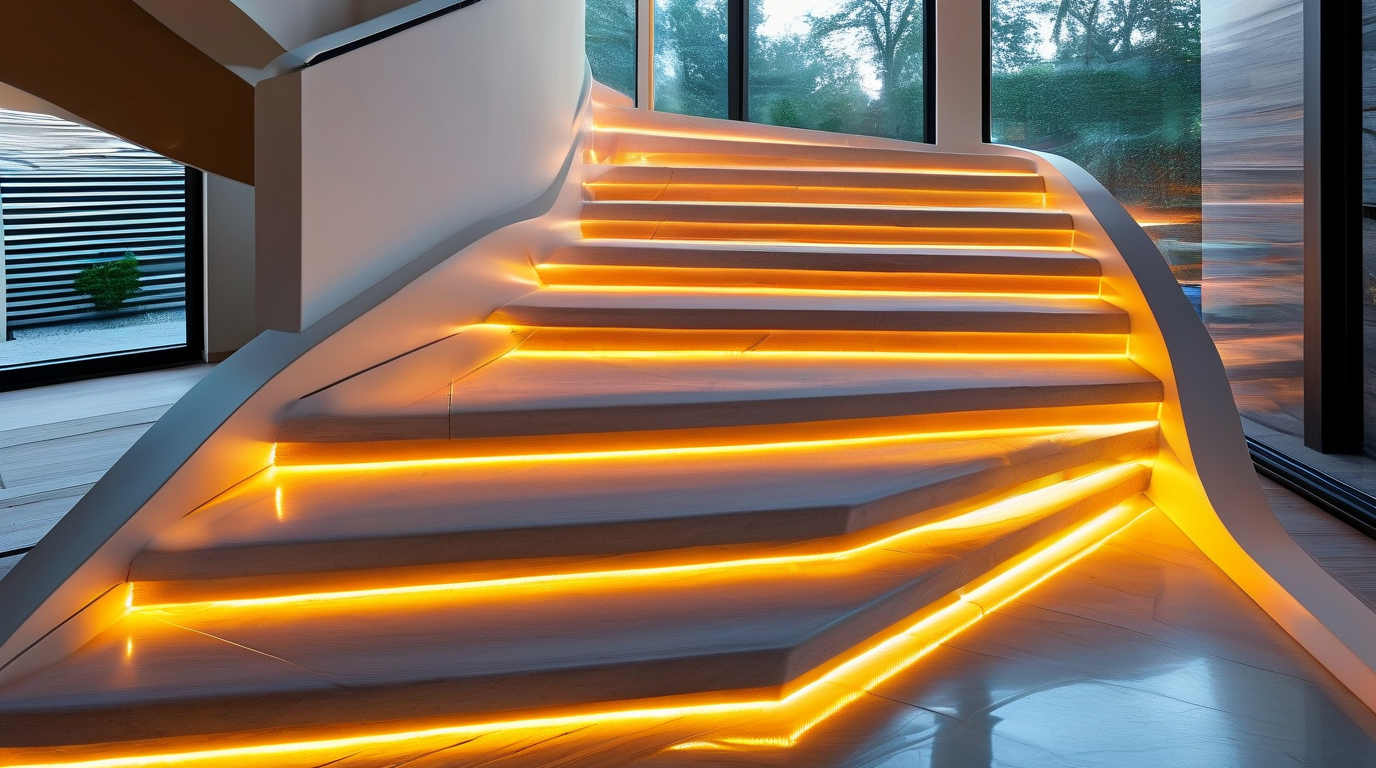
Basements are naturally prone to poor lighting, narrow passages, and shadowed staircases. Installing cURL Too many subrequests by single Worker invocation. To configure this limit, refer to https://developers.cloudflare.com/workers/wrangler/configuration/#limits in these areas is one of the smartest ways to improve visibility, safety, and comfort without rewiring an entire floor. Because basement stairs are often used infrequently and at odd hours, accent lighting that turns on automatically only when needed is both practical and energy efficient.
Why Basements Benefit from Motion-Activated LED Strips
Unlike main-floor staircases, basement stairs are usually tucked away, poorly lit by natural light, and easy to overlook when planning a home lighting scheme. A motion-triggered LED strip solves several problems at once:
- Hands-free operation: You do not need to fumble for a light switch while carrying laundry, storage bins, or tools.
- Instant illumination: The strip lights up the moment you approach the top or bottom of the stairs.
- cURL Too many subrequests by single Worker invocation. To configure this limit, refer to https://developers.cloudflare.com/workers/wrangler/configuration/#limits LEDs consume very little power, and the motion sensor ensures they stay off when the basement is empty.
- Comfort and ambiance: A soft glow makes unfinished or dim basements feel more welcoming and usable.
Because these lights are only active during movement, they also reduce the risk of leaving a basement light on for hours accidentally.
Low-Voltage and Battery Options for Safer Basement Installations
Safety is especially important in basement environments, which can be damp, dusty, or used for storage. Low-voltage cURL Too many subrequests by single Worker invocation. To configure this limit, refer to https://developers.cloudflare.com/workers/wrangler/configuration/#limits cURL Too many subrequests by single Worker invocation. To configure this limit, refer to https://developers.cloudflare.com/workers/wrangler/configuration/#limits
cURL Too many subrequests by single Worker invocation. To configure this limit, refer to https://developers.cloudflare.com/workers/wrangler/configuration/#limits
| Fuente de energía | Mejor para | Pros | Contras |
|---|---|---|---|
| cURL Too many subrequests by single Worker invocation. To configure this limit, refer to https://developers.cloudflare.com/workers/wrangler/configuration/#limits | cURL Too many subrequests by single Worker invocation. To configure this limit, refer to https://developers.cloudflare.com/workers/wrangler/configuration/#limits | cURL Too many subrequests by single Worker invocation. To configure this limit, refer to https://developers.cloudflare.com/workers/wrangler/configuration/#limits | cURL Too many subrequests by single Worker invocation. To configure this limit, refer to https://developers.cloudflare.com/workers/wrangler/configuration/#limits |
| cURL Too many subrequests by single Worker invocation. To configure this limit, refer to https://developers.cloudflare.com/workers/wrangler/configuration/#limits | cURL Too many subrequests by single Worker invocation. To configure this limit, refer to https://developers.cloudflare.com/workers/wrangler/configuration/#limits | cURL Too many subrequests by single Worker invocation. To configure this limit, refer to https://developers.cloudflare.com/workers/wrangler/configuration/#limits | cURL Too many subrequests by single Worker invocation. To configure this limit, refer to https://developers.cloudflare.com/workers/wrangler/configuration/#limits |
| cURL Too many subrequests by single Worker invocation. To configure this limit, refer to https://developers.cloudflare.com/workers/wrangler/configuration/#limits | cURL Too many subrequests by single Worker invocation. To configure this limit, refer to https://developers.cloudflare.com/workers/wrangler/configuration/#limits | cURL Too many subrequests by single Worker invocation. To configure this limit, refer to https://developers.cloudflare.com/workers/wrangler/configuration/#limits | cURL Too many subrequests by single Worker invocation. To configure this limit, refer to https://developers.cloudflare.com/workers/wrangler/configuration/#limits |
| cURL Too many subrequests by single Worker invocation. To configure this limit, refer to https://developers.cloudflare.com/workers/wrangler/configuration/#limits | cURL Too many subrequests by single Worker invocation. To configure this limit, refer to https://developers.cloudflare.com/workers/wrangler/configuration/#limits | cURL Too many subrequests by single Worker invocation. To configure this limit, refer to https://developers.cloudflare.com/workers/wrangler/configuration/#limits | cURL Too many subrequests by single Worker invocation. To configure this limit, refer to https://developers.cloudflare.com/workers/wrangler/configuration/#limits |
cURL Too many subrequests by single Worker invocation. To configure this limit, refer to https://developers.cloudflare.com/workers/wrangler/configuration/#limits
cURL Too many subrequests by single Worker invocation. To configure this limit, refer to https://developers.cloudflare.com/workers/wrangler/configuration/#limits cURL Too many subrequests by single Worker invocation. To configure this limit, refer to https://developers.cloudflare.com/workers/wrangler/configuration/#limits cURL Too many subrequests by single Worker invocation. To configure this limit, refer to https://developers.cloudflare.com/workers/wrangler/configuration/#limits
To eliminate dark zones, follow these placement tips:
- Run one continuous strip under each stair nosing for even step-by-step lighting.
- Install a second strip along the handrail or baseboard for extra coverage on wide stairs.
- Choose warm white or neutral white LEDs to reveal texture and edges without glare.
- Test the lighting at night to confirm every tread is clearly visible from both directions.
Sensor Placement Tips
Correct motion sensor placement is key to reliable operation. If the sensor is blocked, aimed incorrectly, or too far from the stairs, the lights may not activate when needed.
- Mount at the top and bottom of the staircase: Dual sensors cover both directions of travel and prevent the light from turning off mid-climb.
- Angle the sensor toward the landing: This detects a person before they step onto the first stair.
- Keep sensors away from heat sources: Furnaces, water heaters, and dryers can trigger false activations or confuse passive infrared sensors.
- Protect from moisture: If the basement is humid, choose a sensor and strip rated for damp locations.
- Set an appropriate delay: A 30- to 60-second timeout gives enough time to ascend or descend safely.
Safety Code Considerations
Even though accent lighting is decorative, it should still meet basic safety and electrical guidelines. When installing cURL Too many subrequests by single Worker invocation. To configure this limit, refer to https://developers.cloudflare.com/workers/wrangler/configuration/#limits in a basement, keep these code and safety points in mind:
- Use low-voltage, UL-listed or ETL-listed LED strips and power supplies.
- Secure all cables and strips to avoid trip hazards, especially on narrow basement stairs.
- Do not install standard power supplies in wet areas unless they are rated for damp or wet locations.
- Follow local building codes for stair lighting, including minimum illumination levels and switch locations.
- If hardwiring, consider hiring a licensed electrician to ensure code compliance and safety.
Motion-activated accent lighting transforms basement stairs from a dim, neglected passage into a safer, more usable part of the home. Whether you choose a plug-in kit, a rechargeable battery strip, or a hardwired low-voltage system, the right setup keeps every step visible and every trip downstairs worry-free.
Publicaciones relacionadas
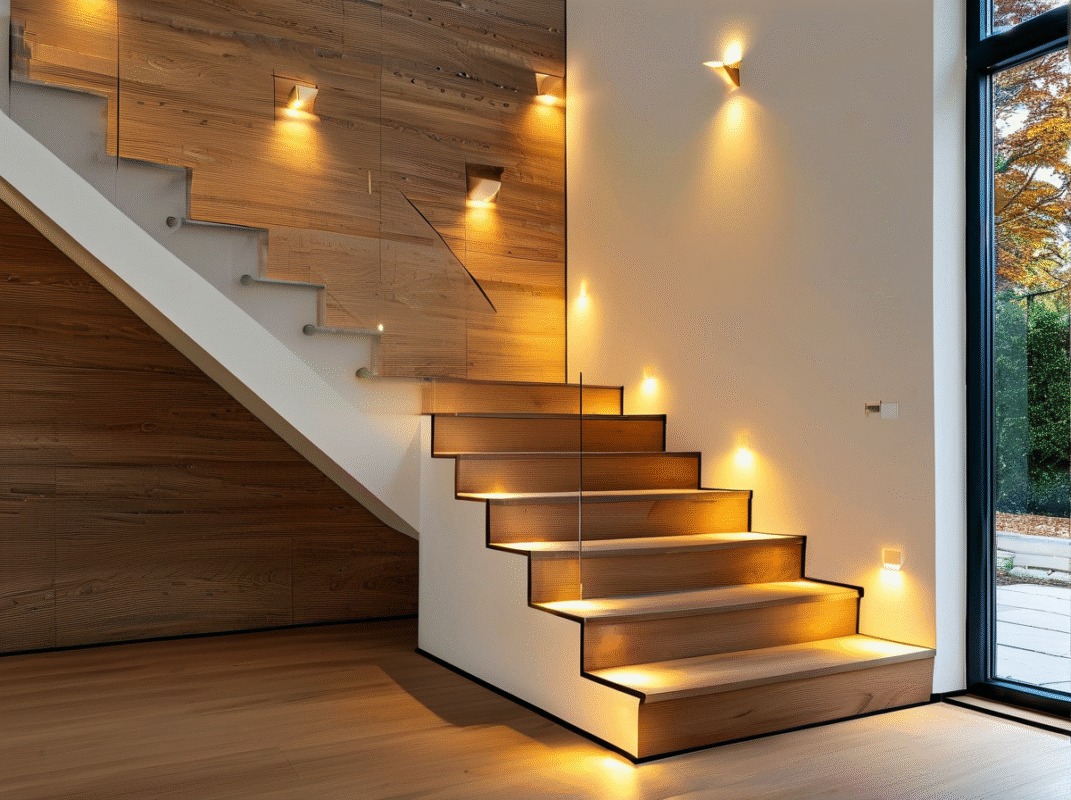
Upgrade Your Home Safety with Hardwired Indoor LED Step Lights with Motion Sensor

Hardwired indoor LED step lights with motion sensor for safer stairs, better visibility, and a cleaner modern home upgrade.

15 impresionantes ideas de iluminación para escalones interiores y exteriores
Explora 15 impresionantes ideas de iluminación para escalones interiores y exteriores, desde luces LED para peldaños y la iluminación de contrahuellas hasta conceptos de iluminación para pasamanos, escaleras de terraza y senderos.

Luces de escalón exteriores con muchos lúmenes: beneficios, desventajas y consejos de compra
Por qué los lúmenes son importantes para tus escalones exteriores
Quieres que tus escalones luzcan geniales y mantengan a todos seguros por la noche. La mayoría de las luces de escalón exteriores...
Recomendación de producto


Destacado